



The redesigned Custom Tool Palette makes organizing your favorite tools faster and easier. With support for larger m × n icon arrays, you can create flexible layouts like 3 × 20 or 10 × 10 to match your workflow. The new, intuitive interface adapts to your working style helping you find tools quickly and keep your workspace efficient.
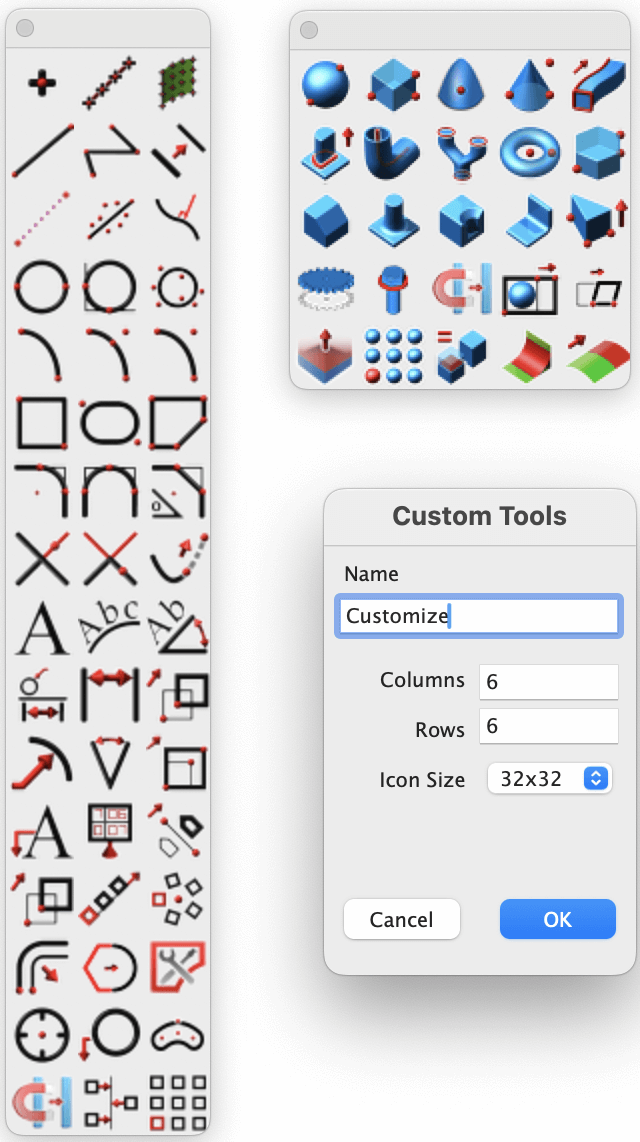
Redesigned Custom Tool Palettes
Go to the Tools menu, select Custom Tools and then choose the New Palette option.
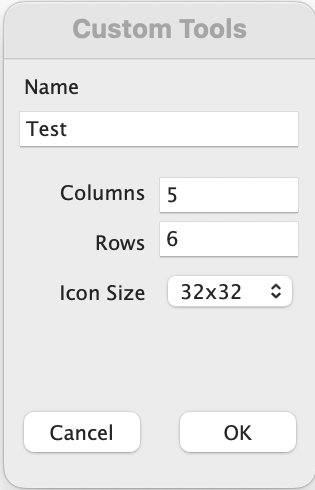
Custom Tools Window
Set the desired Name, Columns, Rows and Icon Size for the palette. It will create a new palette based on the values you enter.
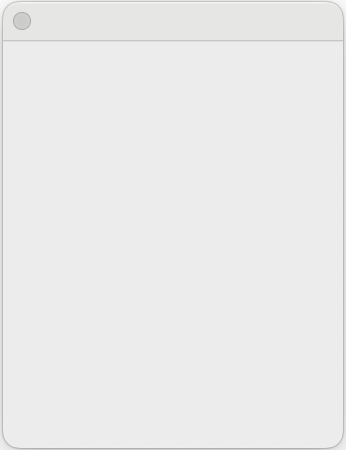
Newly created empty Custom Tool Palette
Drag and drop the desired tools from the existing palettes into the newly created palette. Use Right-click to drag and drop the tools into the newly created palette.
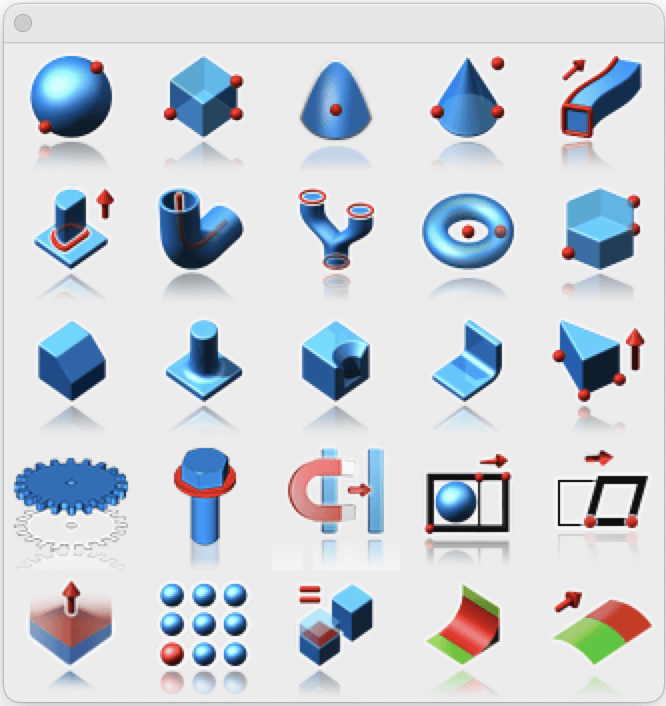
Newly created Custom Tool Palette with new tools
Right click on the title bar of the palette to open a pop-up window that includes the Edit Custom Tool option.
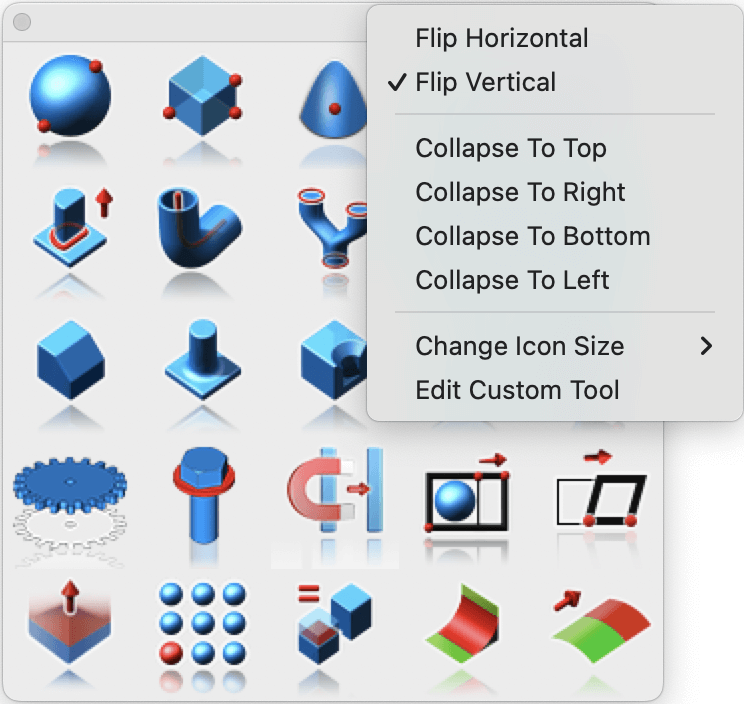
Edit Custom Tool option
Clicking the Edit Custom Tool option opens the Custom Tool window, where you can edit the palette.
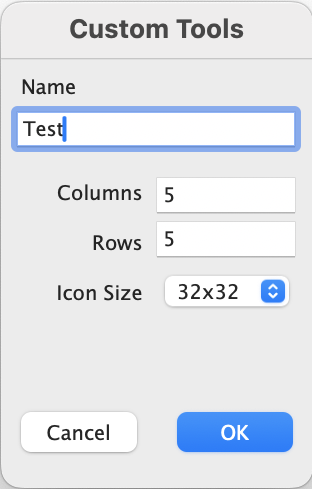
Custom Tools window
After setting the Rows value to 7, the palette adds two more rows.
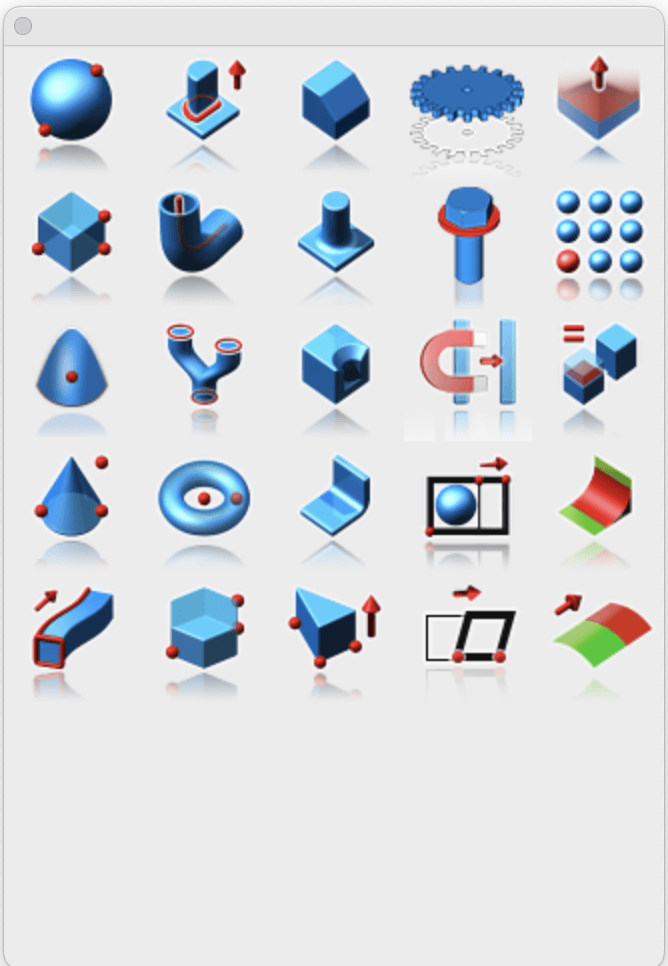
Edited Custom Tool Palette
The redesigned Custom Tool Palette gives you more control over how you organize and access your favorite tools. With flexible layouts, easy customization, and an improved editing interface, it adapts to your workflow, helping you design faster and stay focused on creativity instead of searching for tools.
