

The work
What people use it for
Wondering what IMSI product is the most suitable for Mechanical Design & Manufacturing? Here it is.
Capabilities
The tools this work needs
Sheet metal is a Platinum toolset: the part is modelled solid, unfolded to a flat pattern, and dimensioned from the same model. Everything below is from the edition comparison.
The sheet metal tools
- Sheet Metal DesignPlatinum onlyDesign sheet metal parts (flanges, bends, unbends).
- Sheet Metal ToolsPlatinum onlyDesign sheet metal parts, including bending, unbending, adding flanges, gussets, and ribs.
- Advanced Sheet Metal UnbendPlatinum onlyProvides an enhanced unbending method with K‑Factor control, bend‑edge merging, and support for cylindrical face selection.
- Hole Tool - Custom HolesPlatinum onlyCreate custom holes with precise parameters.
- Slot ToolsDeluxe and upCreates slots and grooves for mechanical designs.
- Shell Tool, Face OffsetPlatinum onlyShelling and face offset functionality.
Modelling the part
- ACIS ®Platinum onlyLatest ACIS ® modeling kernel for precision and compatibility.
- Solid Modeling ToolsPlatinum onlyACIS ® Solid Modeling, Stretch Entity, Extract Entity, Push/Pull Tool, Twisted Extrude.
- Part Tree/History TreePlatinum onlyHierarchical representation of the model's construction history.
- Associative ModelingPlatinum onlyAssociative intersections, associative sections, surface on face with offset option.
- Imprint ToolsPlatinum onlyImprint & block insertion as a 2D Contour.
- Face Manipulation ToolsPlatinum onlyTweak Face, Revolve Face, Twist Entity.
- Law ToolsPlatinum onlyCurve from Law, Surface with Laws, Offset with Law, Warp Entity by Law.
- Precision ToolsPlatinum onlyCustom hole tool, graphic on path accuracy improvements, surface tolerance settings.
Drawings off the model
- Associative Intersections/SectionsPlatinum onlyCreate intersections and sections that update with design changes.
- Smart Dimension ToolsEvery editionProvides automated and associative dimensioning features.
- Advanced Drawing Tools (Gear, Surface Tolerance, Text along Curve)Platinum onlySpecialized tools for precision engineering and mechanical design.
- Drafting Palette Object Management (Add/Remove Object Tool)Pro and upModifies parts and assemblies by either selecting tree elements first (auto-selects all related 3D objects) or selecting drawing objects first (auto-finds related tree elements), then adding or removing 3D objects.
- Auto Numbering FeatureEvery editionAutomatically assigns sequential numbering to objects.
Getting it to the shop
- AutoCAD ® (DWG/DXF) File CompatibilityDeluxe and upSupport for AutoCAD ® files (DWG/DXF).
- STEP ImportPro: ODA Step Import · Platinum: High-precision STEP ACIS STEP provides machining‑grade precision beyond faceting, ideal for CNC and engineering workflows. ODA STEP delivers efficient faceted geometry suited to visualization, 3D printing, and rendering.
- IGES ImportPro: ODA IGES Import · Platinum: High-precision IGES TurboCAD Professional now includes a new ODA‑based IGES importer, while Platinum continues to offer the high‑precision ACIS‑powered IGES translator.
- Spatial ACIS ®Pro and up3D modeling kernel for precise solid modeling and geometry manipulation.
- File Converter with Batch Conversion capabilityPlatinum onlyThe File Converter with batch-conversion capability lets you process many files at once and convert them into key formats such as DWG, DXF, TCW, PDF, STL, STEP, IGES, OBJ, and SolidWorks.
- Adobe ® 3D PDF ExportPlatinum onlyExport 3D models to Adobe ® 3D PDF.
Availability is from the published edition comparison for TurboCAD 2026 for Windows. Compare TurboCAD editions
Made with it
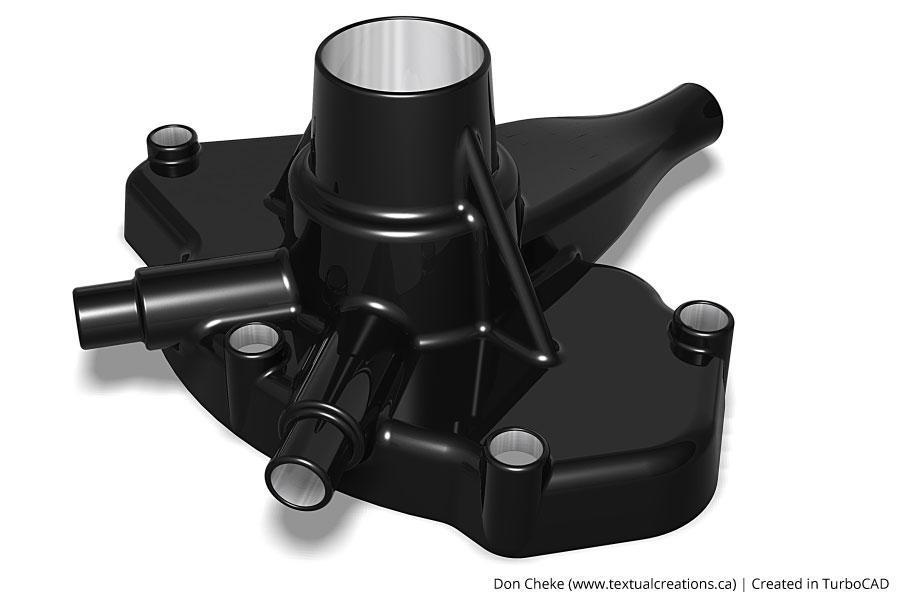
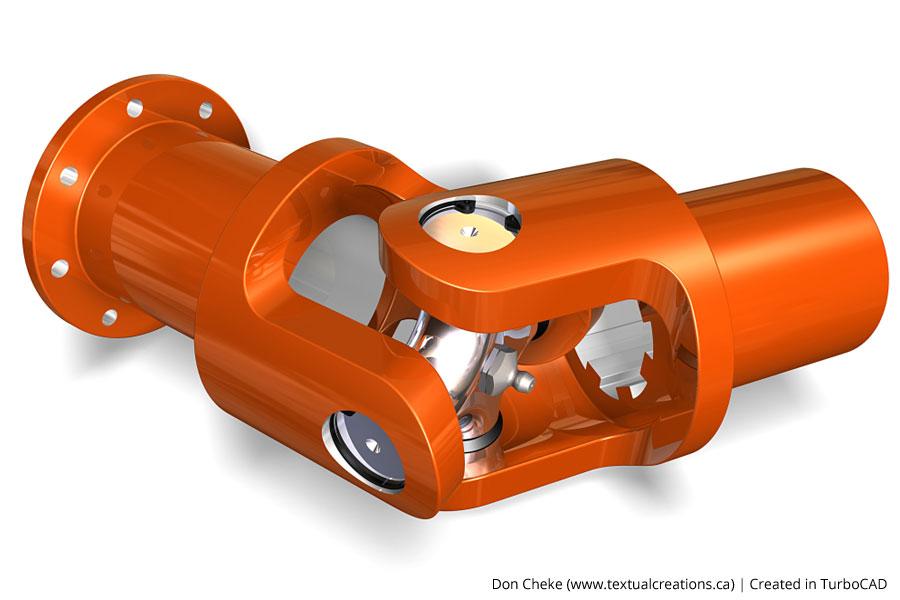
This discipline, drawn by customers
See it work
From the IMSI Design channel
What to use
Recommended for this work
TurboCAD Platinum
$1,499.99perpetual licence
In their words
People doing this work
As a Realtor I have found TurboCAD Designer 2D to be the perfect tool for drawing scaled floor plans. It is easy to use and allows me to quickly generate the scale drawings for our clients.
At first, versions ago, it was the only practical Apple choice. Later it grew to be the best financial choice. Version improvement has since made it the obvious choice, period.
I'm used to working with SolidWorks, so it took me some time to adjust. But now that I've got the hang of it, I start to appreciate TurboCAD a lot. It does what I need, and a lot more - most important is, that the program is intuitive and pretty easy to use.
Related reading
All articles → BlogDesign and Develop Sheet Metal Parts with Accuracy and EfficiencyNote: Sheet Metal tools are available exclusively in TurboCAD Mac Platinum . They are not included in other product versions.
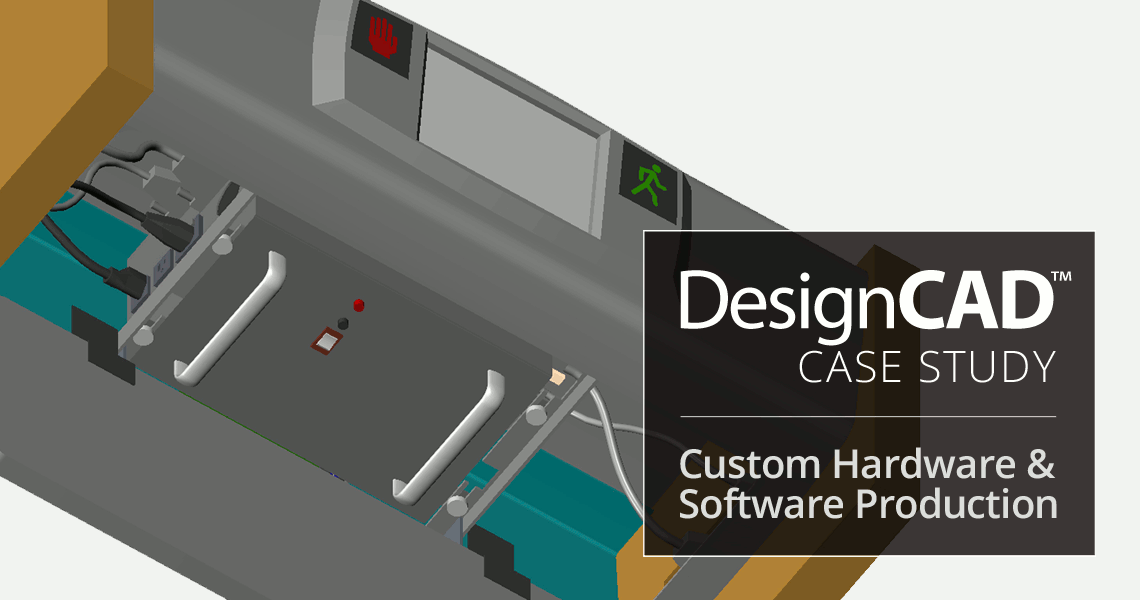 Case StudiesUse of DesignCAD in Custom Hardware & Software ProductionAlpha Omega Computer Systems, Inc. is a provider of custom hardware and software solutions for everything from oceanography, to satellite…
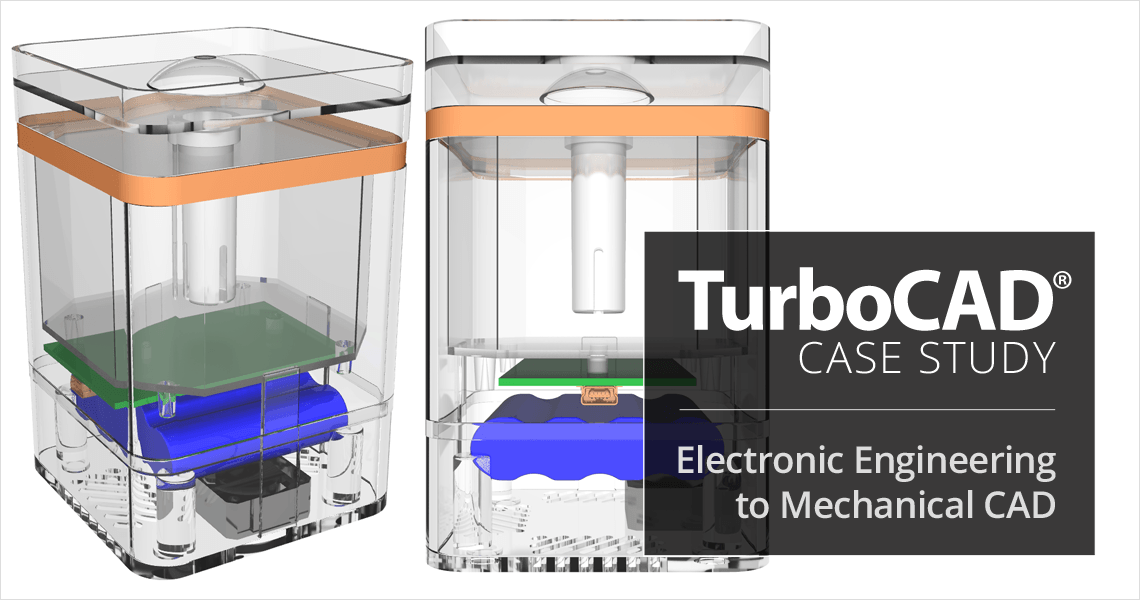 Case StudiesTurboCAD Helps Electronic Engineering Consultant Expand into Mechanical CADJeff Lindstrom, CEO of Arvak Technologies, was originally an Electronic Engineering Consultant for small aerospace companies in Southern…
Not sure which edition fits?
Tell us what you have to hand over at the end and we will name the edition. Every product has a free trial.
