


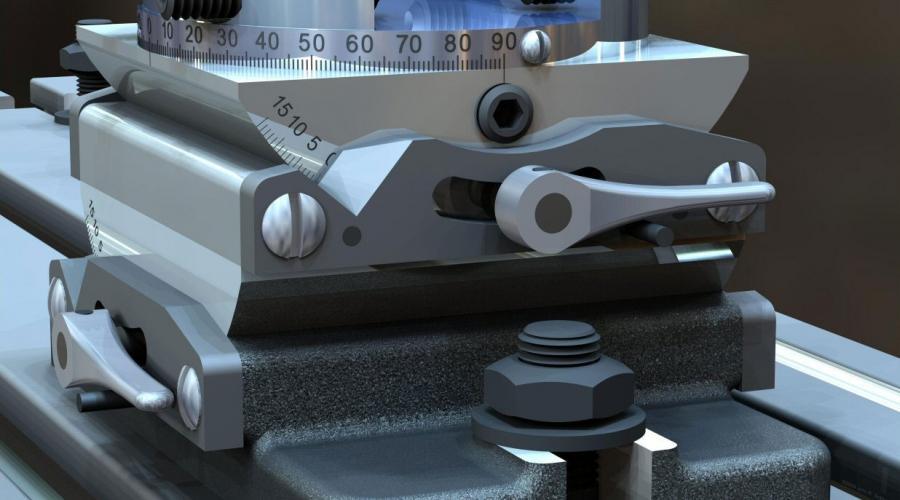
Solutions
Conceptual Design
Before presenting any next generation and disruptive product to the world, it is vital to prototype and iterate over the creation process of that product. Designers conceptualize the capabilities and user experience of the hardware to be built. IMSI products perfectly fit the puzzle to make your dream creation into a reality.
The work
What people use it for
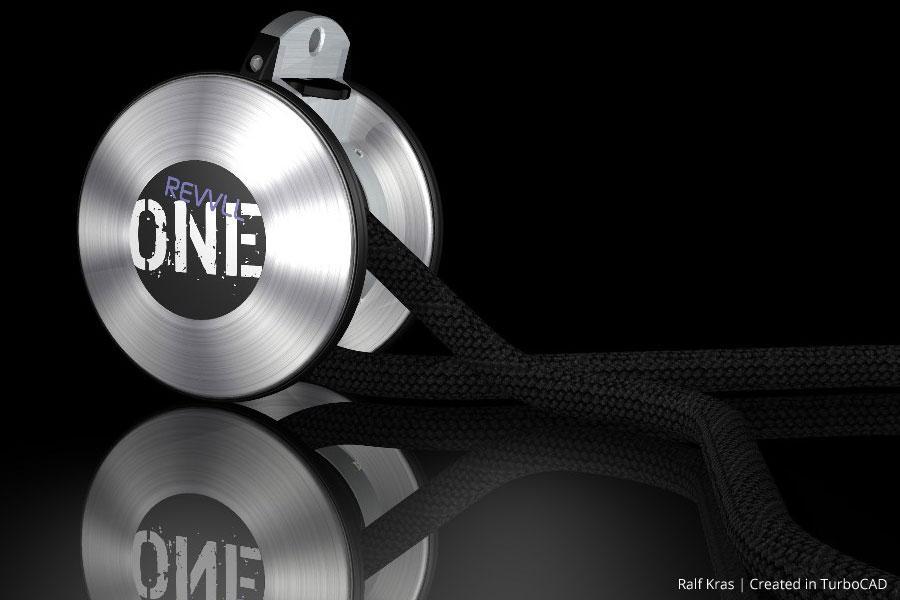
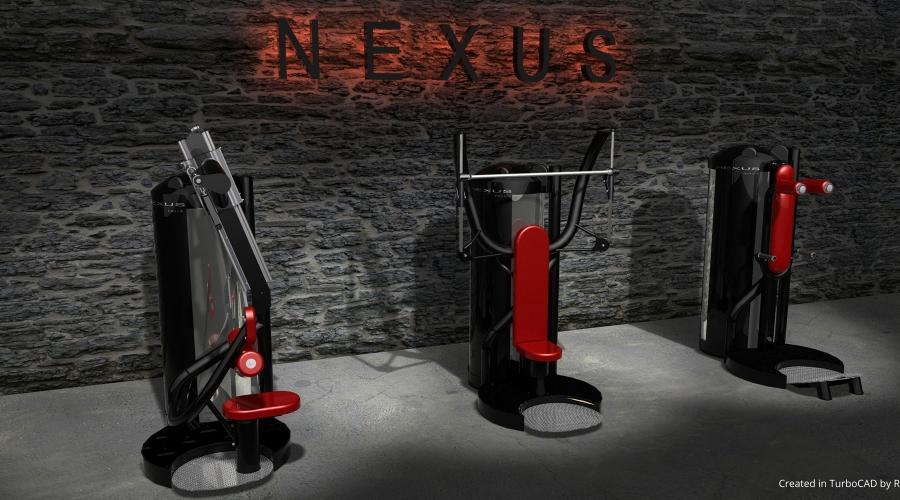
Netherlands-based Kras.Design is a full-service design studio and workshop that specializes in designing aesthetic and mechanical solutions, primarily geared towards the fitness industry and the show- and medical trailer industry.
Wondering what IMSI products are the most suitable for Conceptual Design? Here are a few suggestions.
Capabilities
The tools this work needs
Concept work is mostly shape-making and then persuasion. These are the modelling, surfacing and rendering tools, with the edition each one starts in.
Getting the shape down
- 2D Drawing, Editing, and ModifyingEvery editionEssential 2D drafting tools for creating and modifying drawings.
- Bezier CurvesEvery editionEnables smooth and precise curve creation.
- 3D Splines and PolylinesDeluxe and upDraw and manipulate complex 3D curves and polylines.
- 3D Surface Primitives, Booleans, HelixDeluxe and upCreate simple 3D objects and perform Boolean operations.
- Extrude, Sweep, RevolveDeluxe and upGenerate 3D objects from 2D profiles.
- Lofting Tool with Skinning/Sweep PathPlatinum onlyCreate lofted surfaces with skinning or sweep paths.
- Closed Loft for Periodic GeometryPlatinum onlyAdds a “Closed” option to create lofts that join start and end profiles smoothly, forming continuous periodic bodies. Not available for lofts using paths or guide curves.
- Advanced Blending FunctionalityPlatinum onlySmoothly blends between 3D surfaces.
Working the surfaces
- Surface Extrude for Polylines/3D CurvesPro and upExtrude surfaces from flat 3D polylines or curves.
- Surface by Set of PolylinesPro and upGenerate surfaces from a series of polylines.
- Surface on Face (Offset Option)Platinum onlyCreate surfaces offset from existing faces.
- Facet Editor (Copy/Delete Faces, Multi-Window Work)Platinum onlyEdit mesh/facet models, copy/delete faces, and work in multiple windows.
- Face Manipulation ToolsPlatinum onlyTweak Face, Revolve Face, Twist Entity.
- Shell Tool, Face OffsetPlatinum onlyShelling and face offset functionality.
- Imprint ToolsPlatinum onlyImprint & block insertion as a 2D Contour.
Making it look real
- 3D Photorealistic RenderingDeluxe and upTools for creating realistic 3D renders.
- TurboLux: Import Scene, Lighting, Draft/Quality RenderingDeluxe and upImport and render scenes using TurboLux.
- TurboLux Scene Tone Mapping (Brightness Slider)Pro and upAdjust scene brightness with a tone mapping slider./span>
- Default Scene Lighting SettingsPro and upUpdated default lighting settings for better renders.
- Customizable Luminances and Material LibrariesDeluxe and upCustomizable lighting and material libraries.
- Replace TextureDeluxe and upLets you replace a material texture with one generated by the Copilot Image Assistant for quick, streamlined updates.
Starting from something else
- SketchUp ImportDeluxe and upImport SketchUp files with geometry, materials, and components.
- PDF UnderlayPro and upImport PDFs to use as references in drawings.
- AutoCAD ® (DWG/DXF) File CompatibilityDeluxe and upSupport for AutoCAD ® files (DWG/DXF).
- AI-powered Part Creator / Part EditorPlatinum onlyDesign, customize, and edit parts with precision, while offering configurable STEP file settings to ensure accurate surface results in the drawing environment.
- Copilot Render AssistantEvery editionGenerates concept renderings from CAD drawings using natural‑language prompts for style, lighting, and materials.
- AI-powered basic Text-to-CADEvery editionUse AI-Powered Basic Text-to-CAD to create CAD objects by typing natural language commands with the “PPT” prefix, allowing for quick and intuitive design creation.
Availability is from the published edition comparison for TurboCAD 2026 for Windows. Compare TurboCAD editions
Made with it
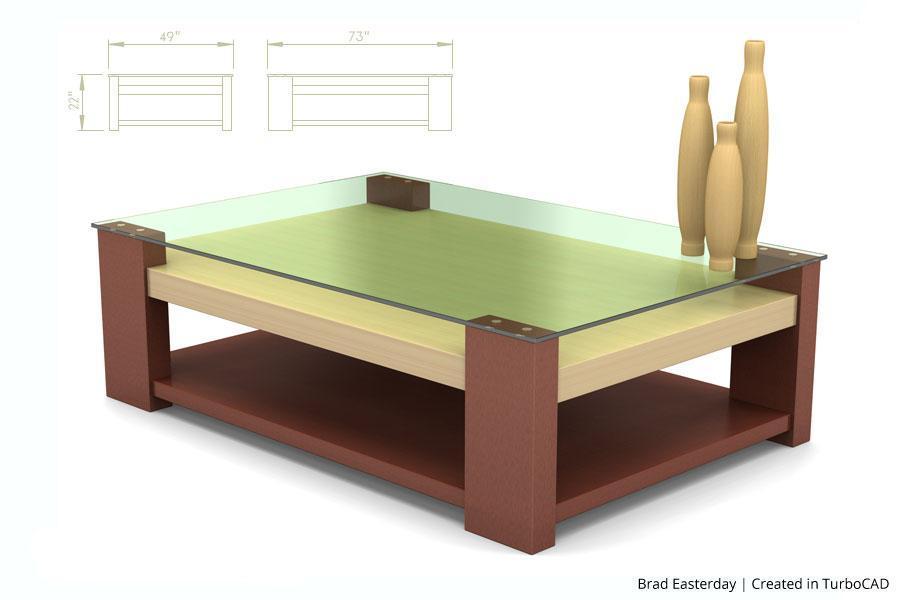
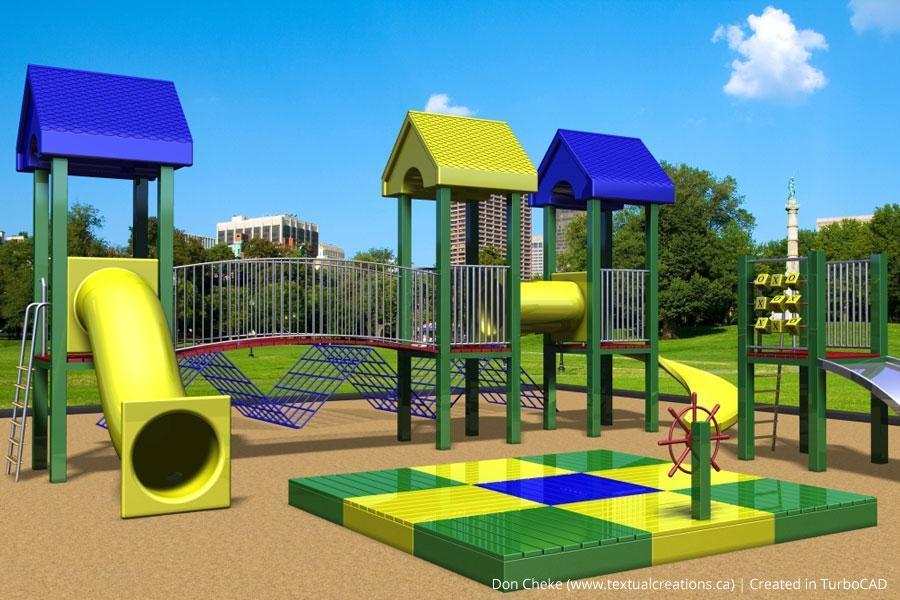
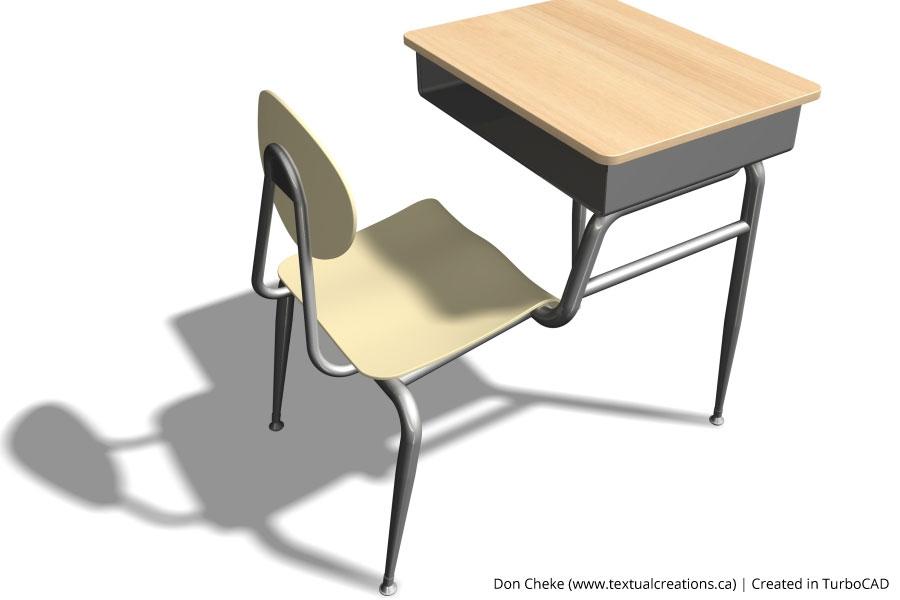
This discipline, drawn by customers

What to use
Recommended for this work
TurboCAD Platinum
$1,499.99perpetual licence
TurboCAD Pro
$999.99perpetual licence
In their words
People doing this work
Thank you, TurboCAD: I find that using this drafting tool accommodates my needs now and offers the depth to be able to learn and expand my drafting abilities.
At first, versions ago, it was the only practical Apple choice. Later it grew to be the best financial choice. Version improvement has since made it the obvious choice, period.
Simple and stable. Have been using for years. Consider it my second language after English. Does everything I need for 2D drafting, never locks up or crashes, even in Windows.
Related reading
All articles → BlogConceptual Visualization from Your CAD Model with Copilot RenderBringing your designs to life is now faster and more intuitive with Copilot Render.
 Case StudiesThe Use of TurboCAD in Conceptual Design & Product VisualizationNetherlands-based Kras.Design specializes in designing aesthetic and mechanical solutions, and uses TurboCAD for conceptual design and…
 BlogCopilot Render: Intelligent Rendering for CAD ModelsCopilot Render streamlines the design workflow by transforming CAD models into high-quality conceptual visuals within moments.
Not sure which edition fits?
Tell us what you have to hand over at the end and we will name the edition. Every product has a free trial.
