


Enterprise & volume licensing
License the company, not the individual.
What you get
What an enterprise licence includes
Seats that stay with the company
When someone leaves, their seat passes to whoever replaces them. A retail licence is personal and tied to one machine; an enterprise seat belongs to the business.
A dedicated account manager
One named contact at IMSI Design who knows your seats, editions and renewal dates, instead of a general sales queue.
Installation and deployment help
We work with your IT team on the rollout: packaging the installer, imaged machines and activating every seat, so it is one job rather than one per desk.
Licence management
Every seat on one register: who has it, which edition, which machine and when it renews. Moving a seat is a request to your account manager, not a new purchase.
Volume pricing, one renewal date
Quantity-based pricing from five seats, with every seat on the same agreement and renewing on the same day.
Purchase orders and one invoice
POs, net terms and consolidated invoicing for established accounts, instead of a card payment per seat.
Maintenance and support included
Maintenance and support are part of the agreement, on terms set to suit the team rather than renewed licence by licence.
Team onboarding
Structured onboarding for the whole team, delivered remotely or built into your own training programme.
Side by side
Retail seats against an enterprise licence
| Question | Retail seats, bought one at a time | Enterprise licence |
|---|---|---|
| Who the licence belongs to | The person who bought it | The company |
| When an employee leaves | Personal licence, tied to one machine | Their seat is reassigned to the new hire |
| Who you deal with | Sales and support queues | A dedicated account manager |
| Installing it | Each person installs their own | Deployment help for your IT team |
| Keeping track | One order email per purchase | One register of every seat |
| Price | List price per seat | Quantity-based, from five seats |
| Renewals | Each licence on its own date | One agreement, one renewal date |
| Paying | Card at checkout | Purchase order, net terms, one invoice |
How it works
Four licensing models
Volume perpetual
- Perpetual — no expiry
- Seats reassigned when staff change
- Volume pricing from 5 seats
- Upgrade pricing on future releases
Enterprise term
- All updates included in the term
- Predictable annual cost per seat
- Add seats mid-term, pro-rated
- Auto-renew on or off, your call
Network licence
- Centralised licence management
- Concurrent seats, shared by the team
- Deployed over your LAN
- TurboCAD for Windows only
Floating licence
- Two activations on one licence
- Desktop and laptop, or office and home
- No deactivation dance between machines
- Perpetual, 1-year or 3-year
What floating actually means
One licence that follows one person between two machines.
| FLOATING | ENTERPRISE SEAT | |
|---|---|---|
| Activations | 2, one person | 1 per seat |
| Desktop and laptop together | Yes | No |
| Moves to a new employee | No | Yes |
| Account manager | No | Yes |
| Available perpetual | Yes | Yes |
| Available on a term | Yes | Yes |
Businesses that run it on billable work
Consultancies, manufacturers, contractors and arts organisations. Each of these four agreed to be named and to say what the software does for their business.
Named with permission, from the case studies published on this site. All case studies →
Pricing
TurboCAD 2026 for Windows, per seat
| EDITION | PERPETUAL | ENTERPRISE TERM / YR | FLOATING PERPETUAL | FLOATING 1 YR | FLOATING 3 YR |
|---|---|---|---|---|---|
| Platinum | $1,499.99 | $1,199.99 | $2,249.99 | $899.99 | $2,699.99 |
| Professional | $999.99 | $799.99 | $1,499.99 | $599.99 | $1,799.99 |
| Deluxe | $399.99 | $399.99 | $599.99 | $299.99 | $899.99 |
| Designer | $199.99 | $199.99 | $299.99 | $149.99 | $449.99 |
List prices per seat in US dollars, excluding tax. Volume pricing starts at five seats and is quoted per order; network licences are quoted for the team. Floating licences are also available for TurboCAD on macOS and for FloorPlan, at the same three term lengths.
Talk to sales
What happens next
- 1
Tell us about the team
Seat count, editions, and whether people share machines.
- 2
Get a recommendation and a quote
Which licence model costs you least, priced for your seat count.
- 3
Meet your account manager
They set up the agreement, help IT deploy, and keep the seat register.
Made with it
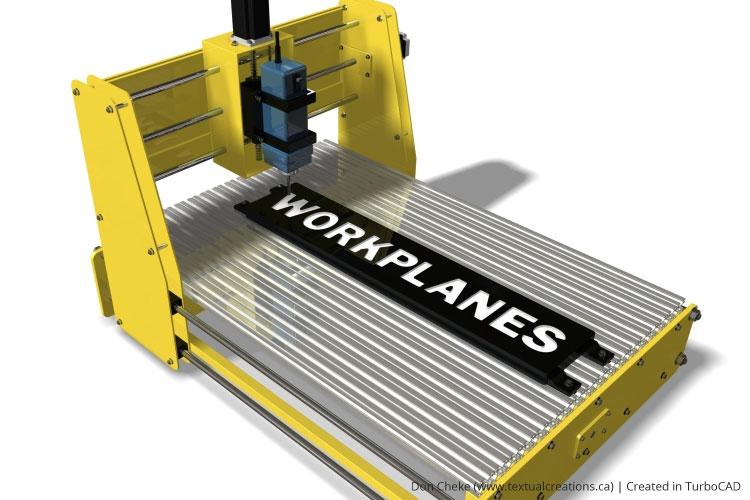
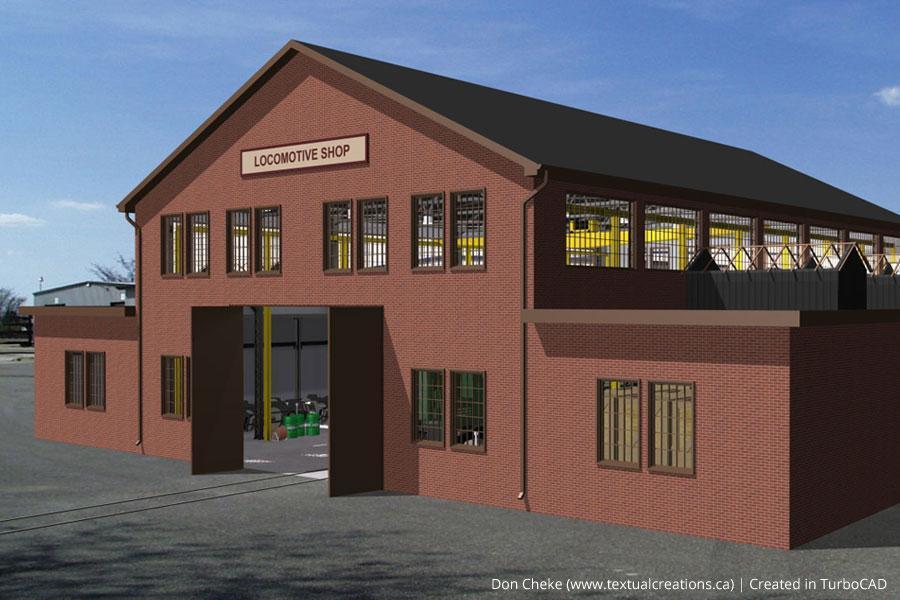
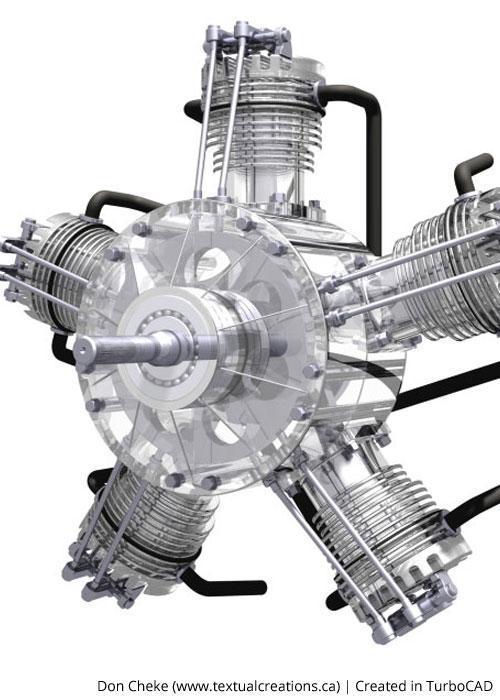
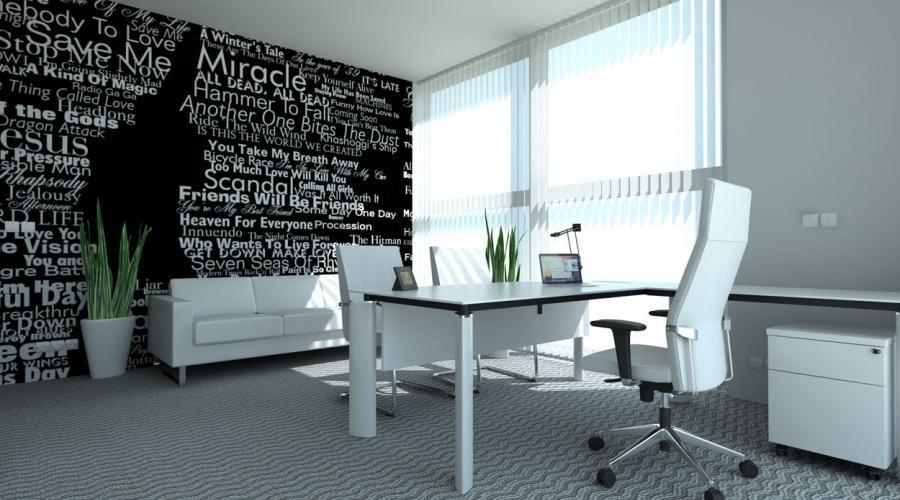
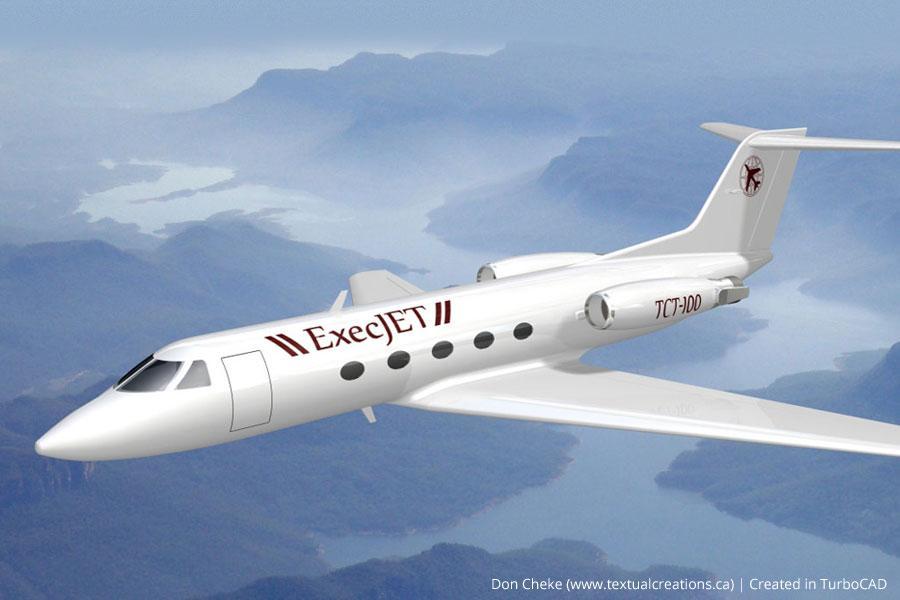
The work these licences pay for.

Related reading
All articles →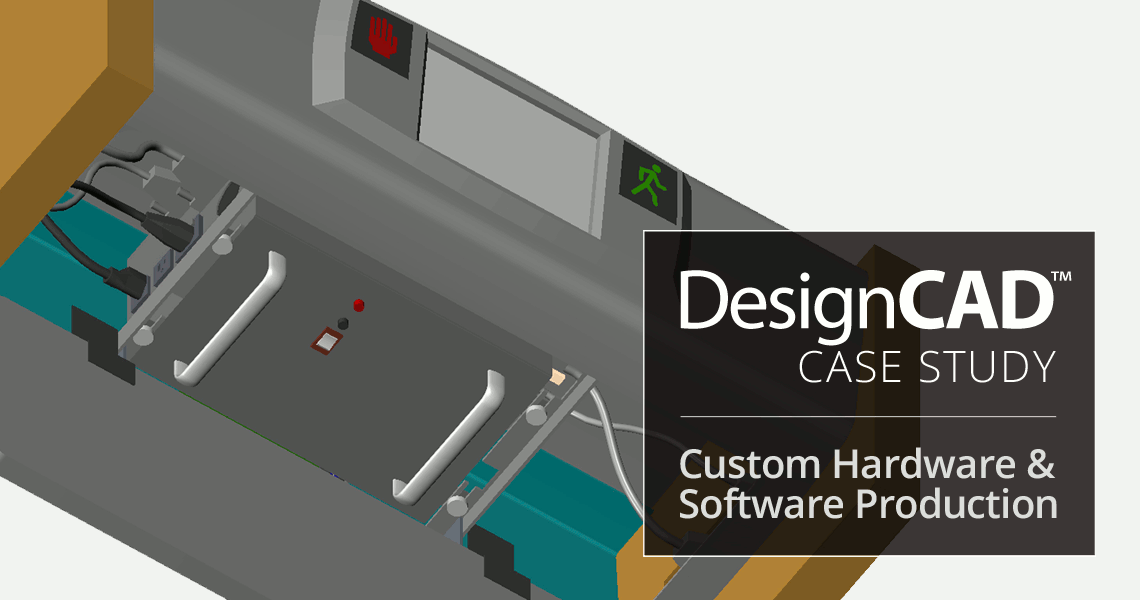 Case StudiesUse of DesignCAD in Custom Hardware & Software ProductionAlpha Omega Computer Systems, Inc. is a provider of custom hardware and software solutions for everything from oceanography, to satellite…
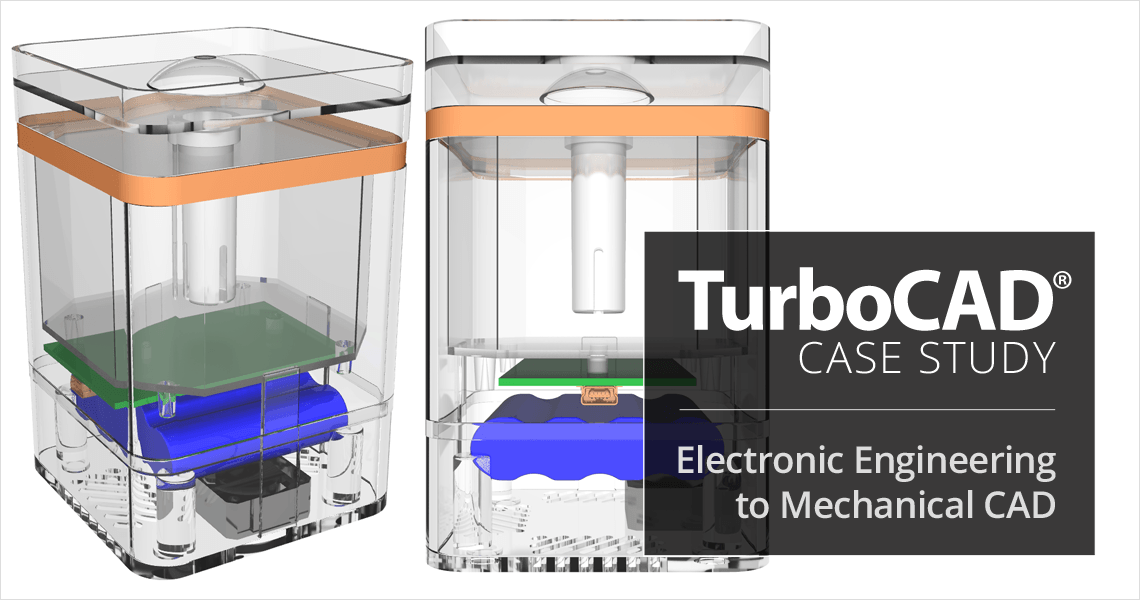 Case StudiesTurboCAD Helps Electronic Engineering Consultant Expand into Mechanical CADJeff Lindstrom, CEO of Arvak Technologies, was originally an Electronic Engineering Consultant for small aerospace companies in Southern…
 Case StudiesThe Use of TurboCAD in Conceptual Design & Product VisualizationNetherlands-based Kras.Design specializes in designing aesthetic and mechanical solutions, and uses TurboCAD for conceptual design and…