

Upgrade Center
You already paid once. You do not pay full price again.
Every perpetual licence we have ever sold carries upgrade pricing to the current release. What you pay depends on the edition you own and how far back it goes — not on whether we can still find the order.
How it works
Three steps
1 — Find your licence
Look up the serial number in your order email, or let us find it from the email address you bought with.
2 — See your price
The upgrade price is set by your edition and its age. Cross-grades to a higher edition are priced separately.
3 — Download immediately
The new licence key is issued at checkout. Your old version keeps working; nothing is taken away.
Price my upgrade
Tell us what you own
1
2
3
Prices are per licence in US dollars. An upgrade replaces the licence, not the installation — the version you already have keeps running on the same machine, so you can finish open work before you switch.
Questions we get asked
Before you upgrade
My licence is more than five years old.
It still qualifies. Older licences upgrade at a higher tier than recent ones, but they never expire out of the programme.
I want a higher edition than I own.
That is a cross-grade, and it is priced separately from a same-edition upgrade. Both are cheaper than buying outright.
I cannot find my serial number.
We can look it up from the email address you bought with, going back through every order we have on file.
Will my old drawings still open?
Yes. Every release reads files from every earlier release, and writes back to older formats when you need it to.
What you get
New in the 2026 release
 Copilot RenderGuided rendering that sets lighting and materials from the model instead of a dialog full of sliders.
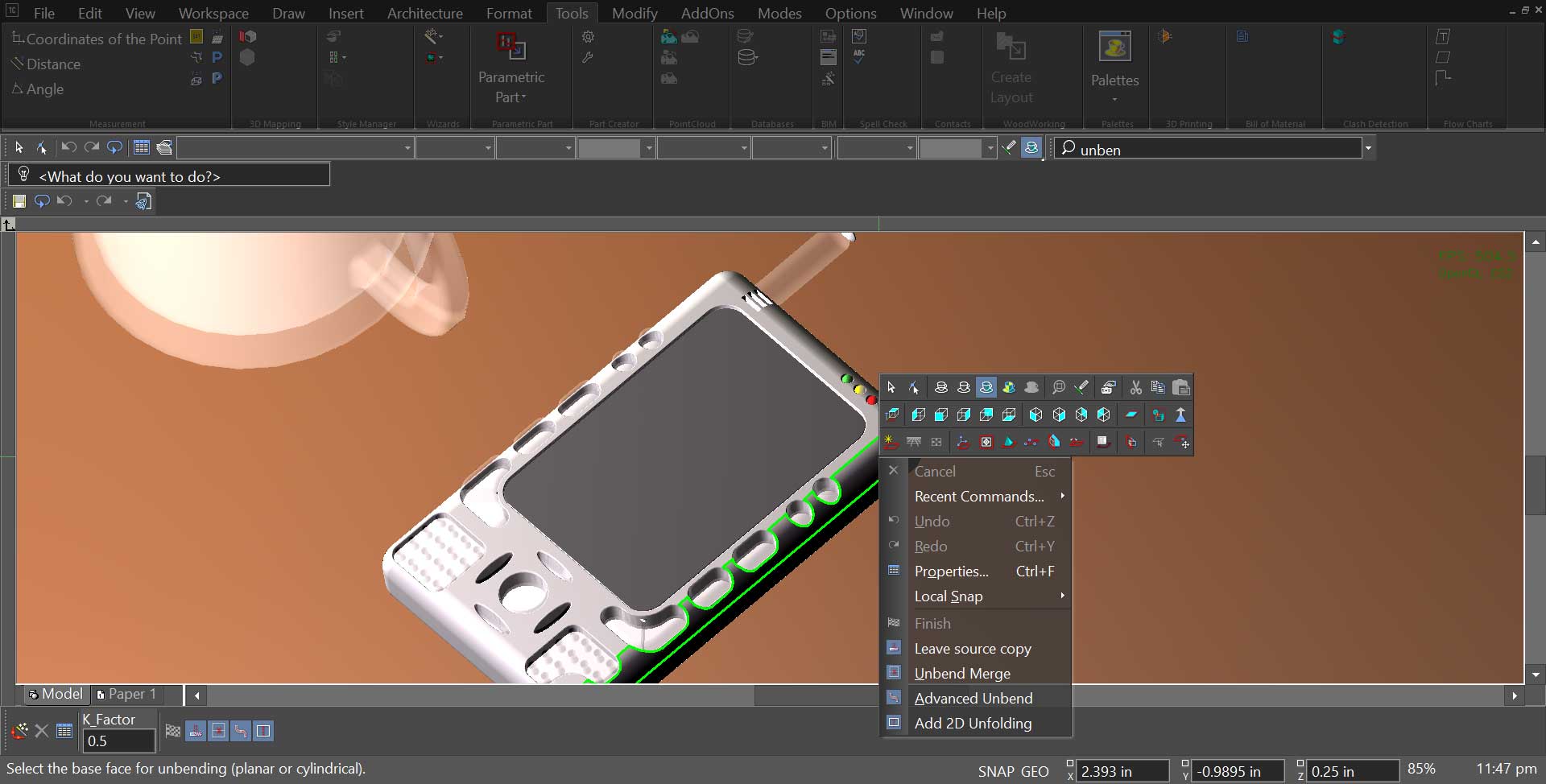 Direct 2D unfolding for sheet metalFlatten a folded part straight to a 2D pattern with bend allowances, ready for the cutter.
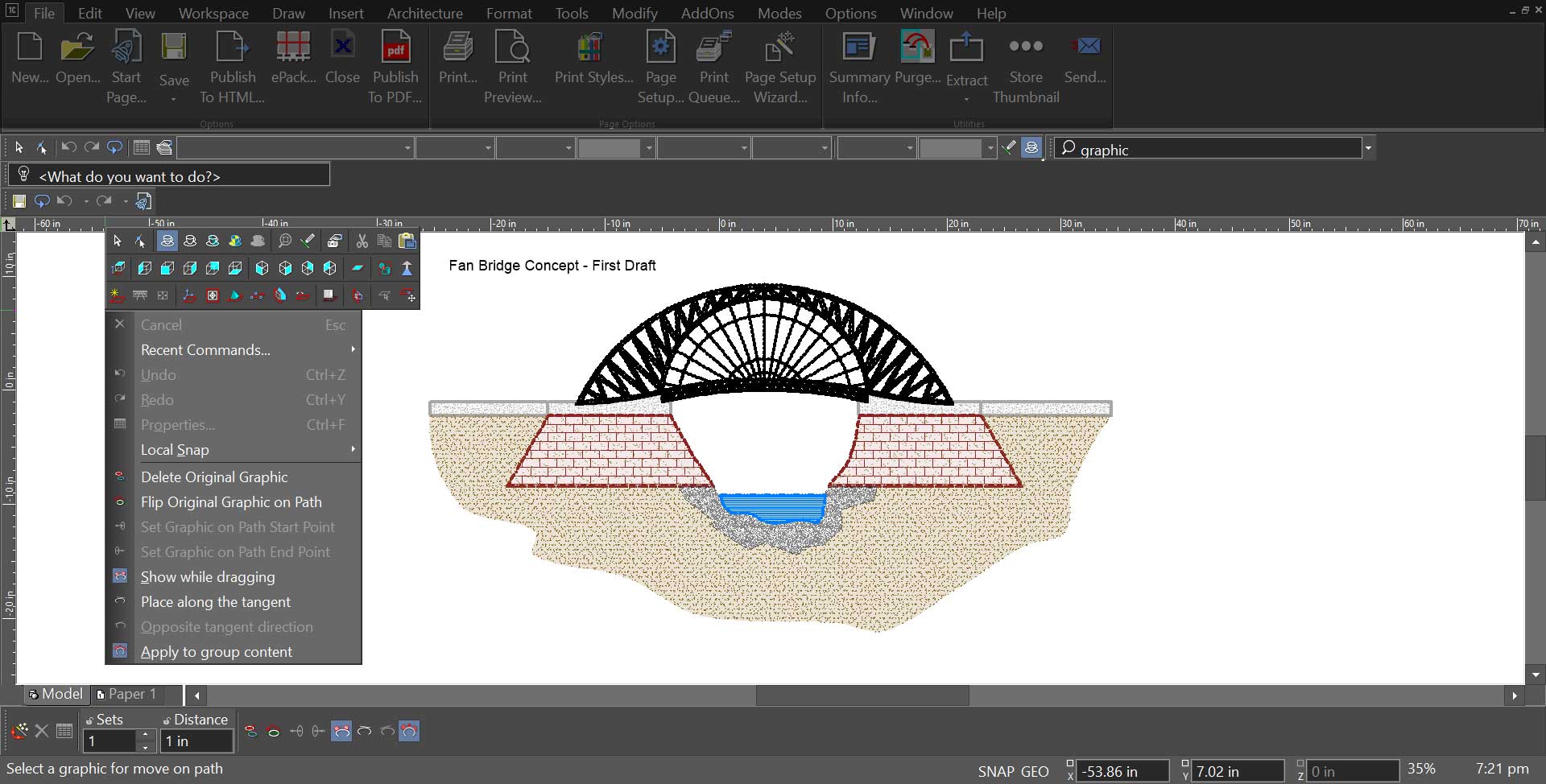 Graphic on PathWrap artwork, text and hatching along any curve - signage, labelling and decorative detail without a workaround.
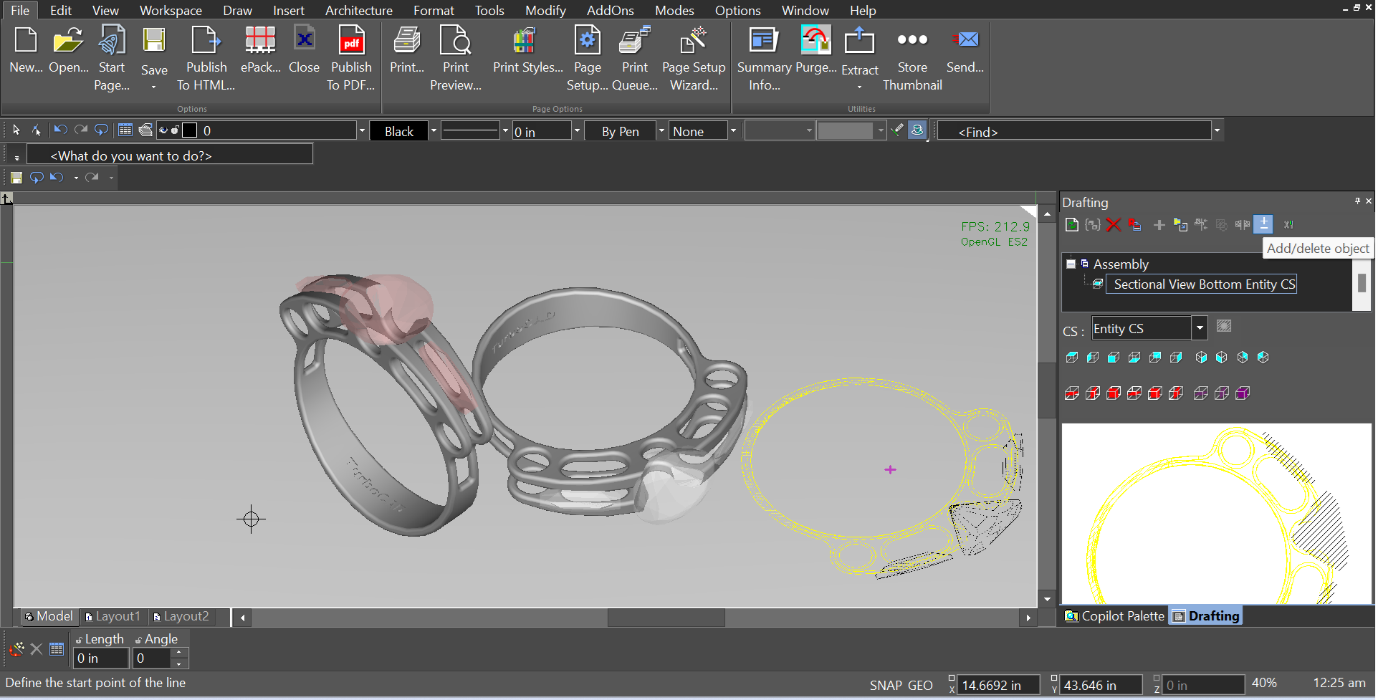 Dynamic drafting paletteTool options follow what you are drawing, so the property you need is under the cursor rather than three panels away.
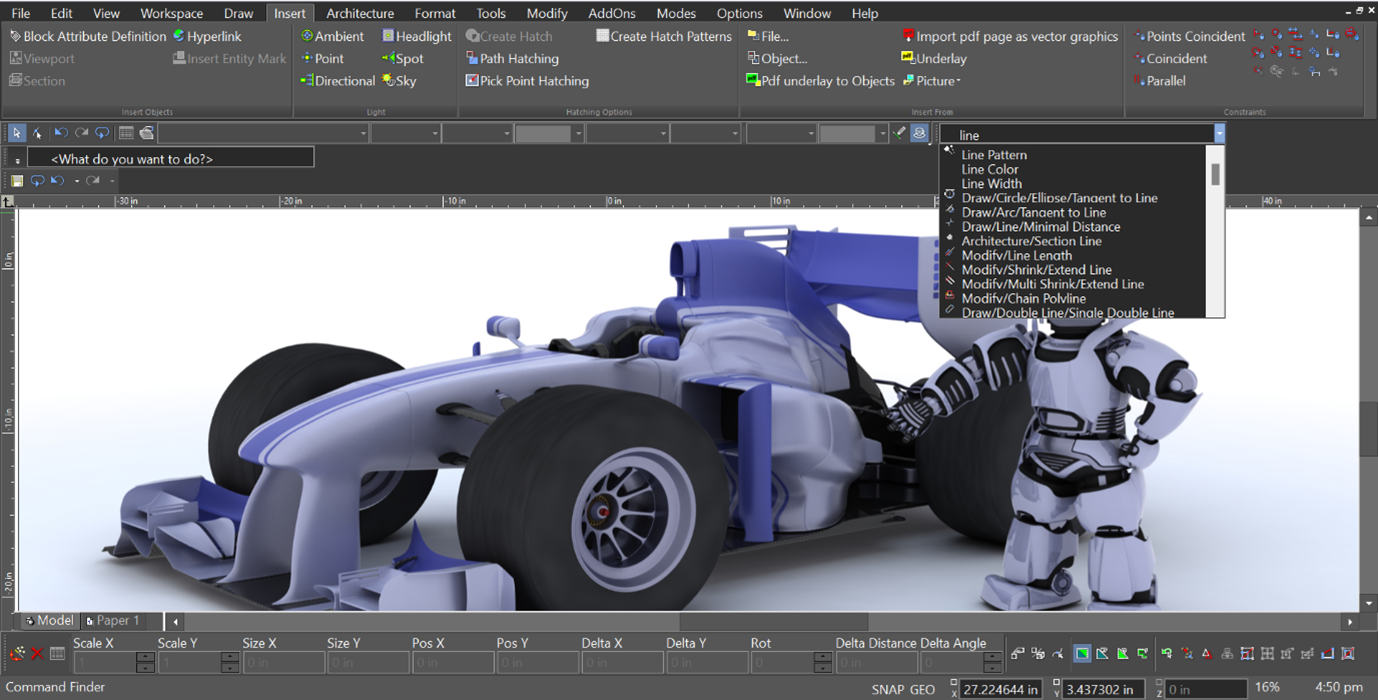 A faster way to find what you needCommand search across every tool, setting and palette - type what you want to do, not where it lives.
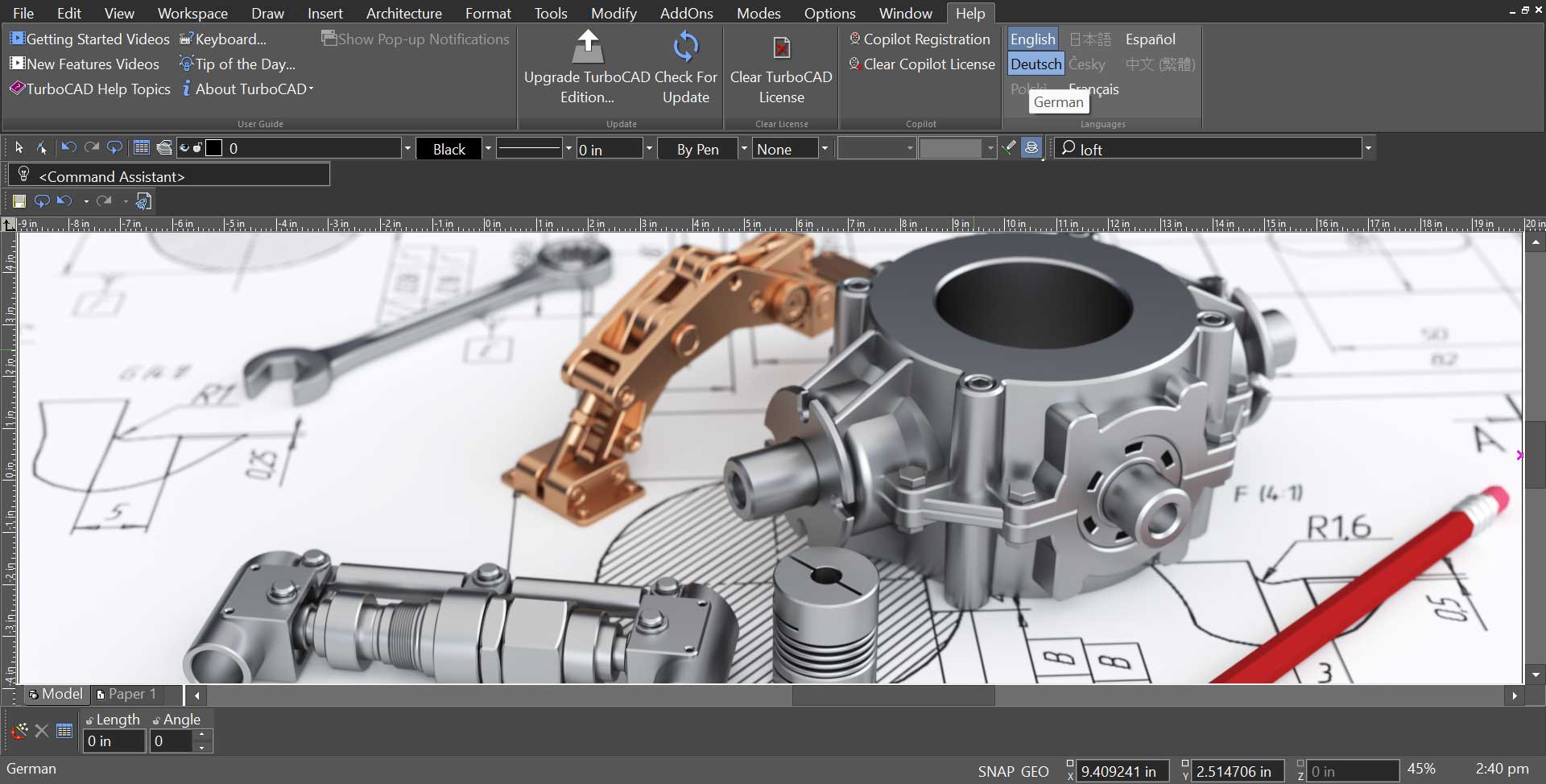 Unified multi-language installerOne download for every supported language. Fewer wrong-installer support tickets, fewer SKUs to keep straight.
Related reading
All articles → BlogIMSI Design Releases FloorPlan® 2026NOVATO, Calif. July 31, 2026 – IMSI® Design, a leading software developer of Home Design and CAD titles for more than 30 years, is proud to…
 Press ReleasesIMSI Design Releases TurboCAD® 2026NOVATO, Calif. – May 11, 2026 – IMSI® Design, a leader in CAD software innovation, announces the release of TurboCAD® 2026, a milestone…
 Press ReleasesIMSI Design Releases TurboCAD® 2025.1NOVATO, Calif. December 9, 2025 – IMSI® Design, a leading developer of CAD software solutions, announced today the release of TurboCAD®…
Not sure what you own?
Give us the email address you bought with and we will tell you which licences are on it and what each one upgrades to.
