

Solutions
Woodworking & Furniture Design
The work
What the discipline asks of the software
Parametric woodworking symbols, automatic room and object dimensioning, automated disassembly of your designs, and beautiful 3D rendering will all help you plan and visualize your designs. Easily export data from your woodworking designs into material lists and cut patterns, and export your files to standard DWG/DXF formats for cross platform sharing.
The Woodworking Wizard in TurboCAD Platinum allows you a quick and easy start for designing and editing layouts for your woodworking plans. Precise measurements and smart dimensions let you evaluate your designs against project requirements. Use the TurboCAD Furniture Maker plug-in to complete your design objectives and goals. It comes with a library of home, kitchen and office furniture symbols, including chairs, tables, and cabinets. Easily swap doors, knobs, hinges, clamps, office table footing, shelf footing, window and door panels, and more, or change dimensions to fit your needs. Customize with 1,800 modern materials, or use materials already available in TurboCAD.
Some IMSI customers, especially those who consider themselves hobby woodworkers and DIYers, have also found DesignCAD , IMSI's lower-end line of 2D/3D CAD software, to be a suitable tool for the job; however, these products do not include the woodworking and furniture design-specific tools that come with e.g. TurboCAD Pro Platinum.
Capabilities
The tools this work needs
Furniture and cabinetry
- 3D Patterns from Compound ProfilesPlatinum onlyGenerate patterns from complex 3D profiles.
- Associative Arrays and Pattern ToolsPro and upCreate dynamic, repeatable object patterns.
- Slot ToolsDeluxe and upCreates slots and grooves for mechanical designs.
- Self-Trimming and Self-Aligning BlocksDeluxe and upAutomatically trim and align blocks to fit within walls or other structures.
- Blocks, Xref SupportDeluxe and upTools for managing blocks and external references.
Building the pieces
- 3D Surface Primitives, Booleans, HelixDeluxe and upCreate simple 3D objects and perform Boolean operations.
- Extrude, Sweep, RevolveDeluxe and upGenerate 3D objects from 2D profiles.
- 3D Extrusion & RevolveDeluxe and upSimple extrude, sweep, revolve, and surface extrude for flat 3D polylines or curves.
- Mirror Copy Tool for 3D ObjectsDeluxe and upDuplicates and mirrors 3D objects efficiently.
- Solid Modeling ToolsPlatinum onlyACIS ® Solid Modeling, Stretch Entity, Extract Entity, Push/Pull Tool, Twisted Extrude.
- Part Tree/History TreePlatinum onlyHierarchical representation of the model's construction history.
- Precision ToolsPlatinum onlyCustom hole tool, graphic on path accuracy improvements, surface tolerance settings.
Cut lists and shop drawings
- Schedule Tool and WizardDeluxe and upUse a wizard to create and manage schedules.
- Smart Dimension ToolsEvery editionProvides automated and associative dimensioning features.
- Auto Numbering FeatureEvery editionAutomatically assigns sequential numbering to objects.
- Best Fit Circle/LineDeluxe and upGenerates precise circles and lines based on existing geometry.
- AutoCAD ® (DWG/DXF) File CompatibilityDeluxe and upSupport for AutoCAD ® files (DWG/DXF).
- 3D Printer Support (STL)Deluxe and upImport and export 3D printer files (STL).
Showing the piece
- 3D Photorealistic RenderingDeluxe and upTools for creating realistic 3D renders.
- Customizable Luminances and Material LibrariesDeluxe and upCustomizable lighting and material libraries.
- Replace TextureDeluxe and upLets you replace a material texture with one generated by the Copilot Image Assistant for quick, streamlined updates.
- TurboLux: Import Scene, Lighting, Draft/Quality RenderingDeluxe and upImport and render scenes using TurboLux.
The woodworking toolset
- Parametric Parts ManagerPlatinum onlyBuild a part once with dimensions as variables, then produce every size of it from the same definition.
- Parametric Parts Scripting ManagerPlatinum onlyScript the rules behind a parametric part, for joinery and hardware that has to follow a formula rather than a fixed size.
- Woodworking Layout ToolPlatinum onlyLay parts out on sheet stock and take the cutting list off the drawing.
- Furniture Maker plug-inOptional plug-inParametric cabinet and furniture construction: change a dimension and the joinery, panels and hardware follow.
Availability is from the published edition comparison for TurboCAD 2026 for Windows. Compare TurboCAD editions
What to use
Recommended editions
TurboCAD Deluxe
Where most people doing this work land.
- 3D Drawing Primitives
- 3D Parametric Furniture Symbols
- Create Custom Furniture Models
- Disassemble/Explode a 3D Furniture Model to component pieces
- Quick composition of Cabinet Shelves
TurboCAD Platinum
The full toolset, for production work.
- 3D Drawing Primitives
- 3D Parametric Furniture Symbols
- Create Custom Furniture Models
- Disassemble/Explode a 3D Furniture Model to component pieces
- Quick composition of Cabinet Shelves
- Parametric Parts Manager
Made with it
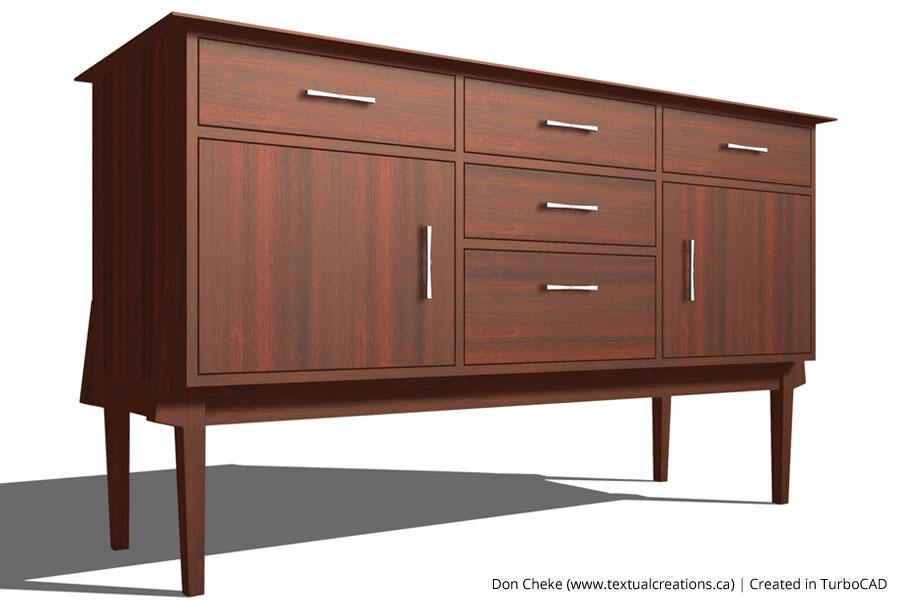
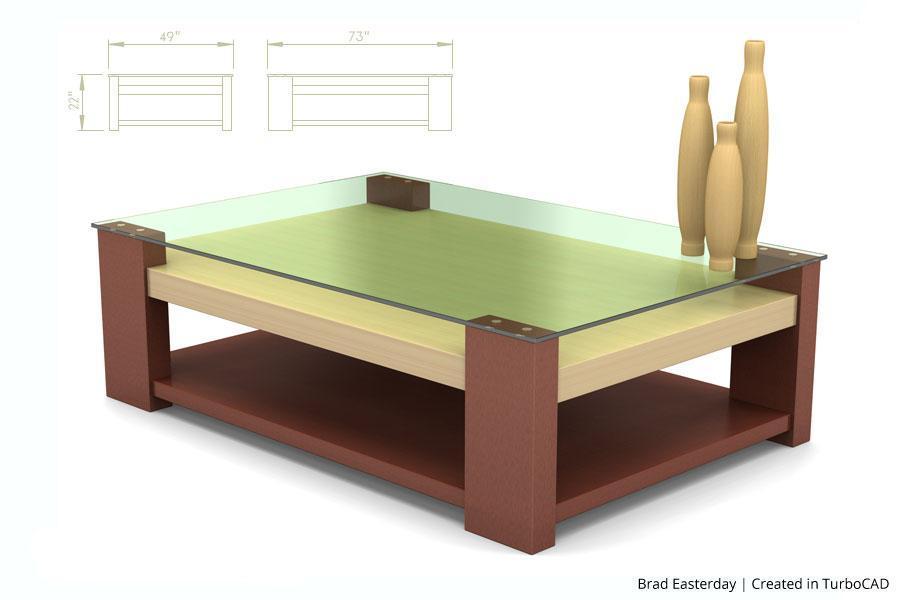
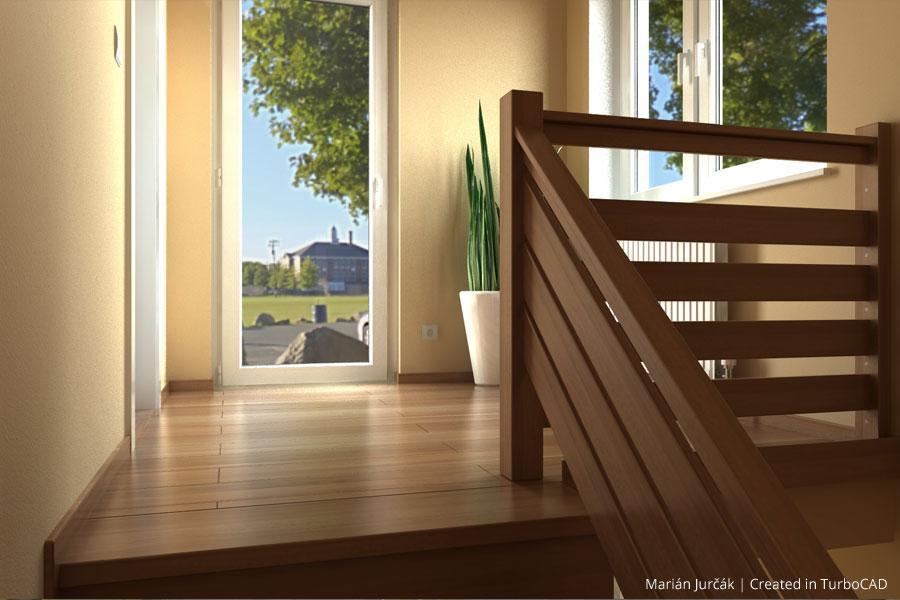
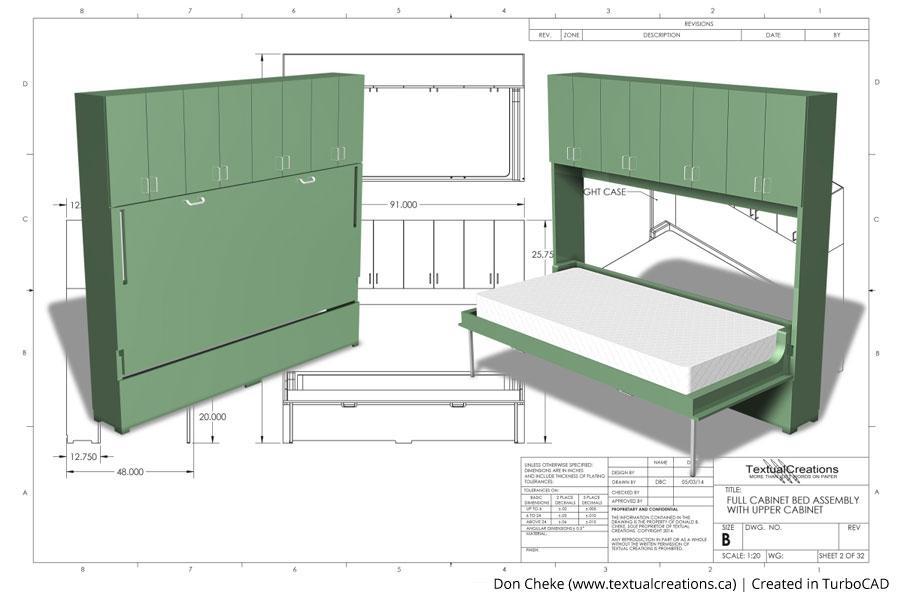
This work, drawn by customers
Related reading
All articles → BlogConceptual Visualization from Your CAD Model with Copilot RenderBringing your designs to life is now faster and more intuitive with Copilot Render.
 Case StudiesThe Use of TurboCAD in Conceptual Design & Product VisualizationNetherlands-based Kras.Design specializes in designing aesthetic and mechanical solutions, and uses TurboCAD for conceptual design and…
 BlogCopilot Render: Intelligent Rendering for CAD ModelsCopilot Render streamlines the design workflow by transforming CAD models into high-quality conceptual visuals within moments.