
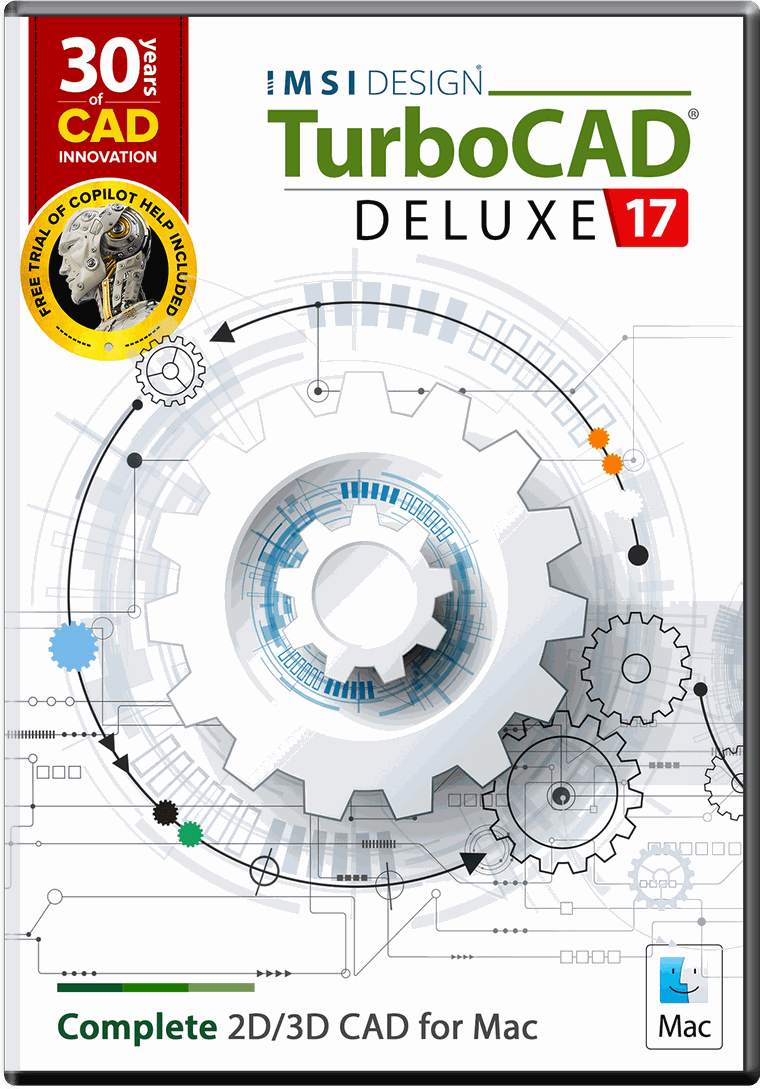
TurboCAD Mac 17 Deluxe
Draw in 2D and model in 3D when the drawing needs it, on the Mac.
Licence typeAdd to cart $399.99Own an older TurboCAD Mac Deluxe? An upgrade starts at $179.99 rather than $399.99. Coming from Designer, the cross-grade is $299.99. Check your upgrade price →
Draw in 2D and model in 3D when the drawing needs it, on the Mac.
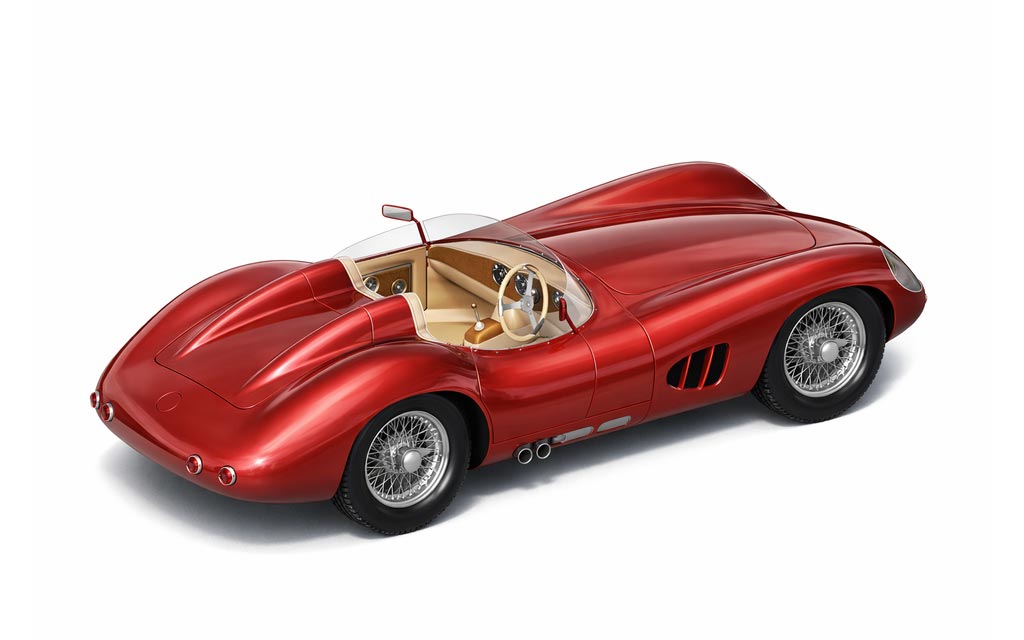
TurboCAD® Mac is the definitive choice for those who seek the power and precision of professional CAD software. Whether you’re a builder, manufacturer, maker, or student, TurboCAD® Mac provides a robust platform for drafting and modeling, allowing you to design anything you can envision. Step into the driver’s seat of exceptional design with TurboCAD® Mac and transform your imaginative concepts into tangible creations.
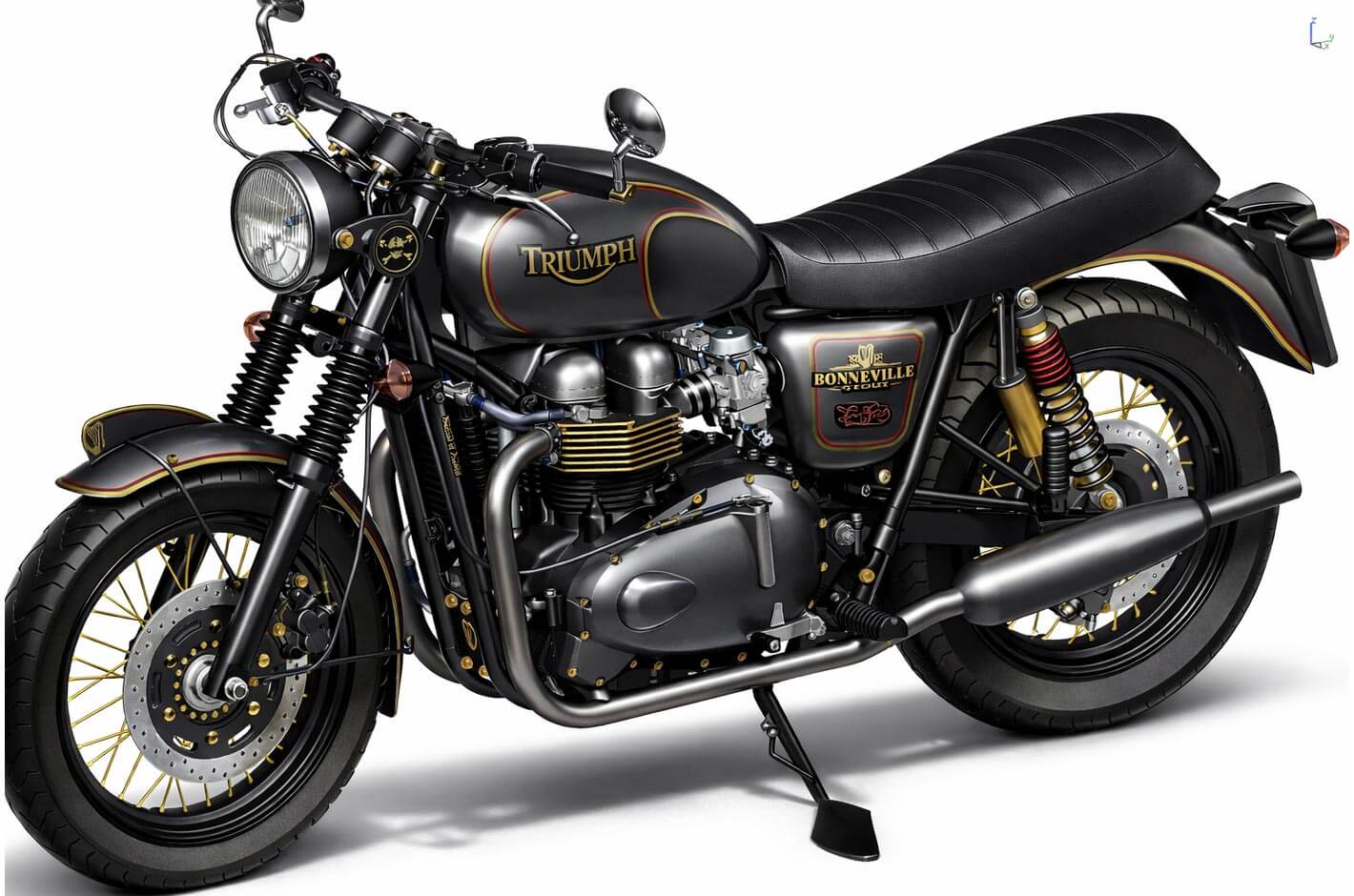
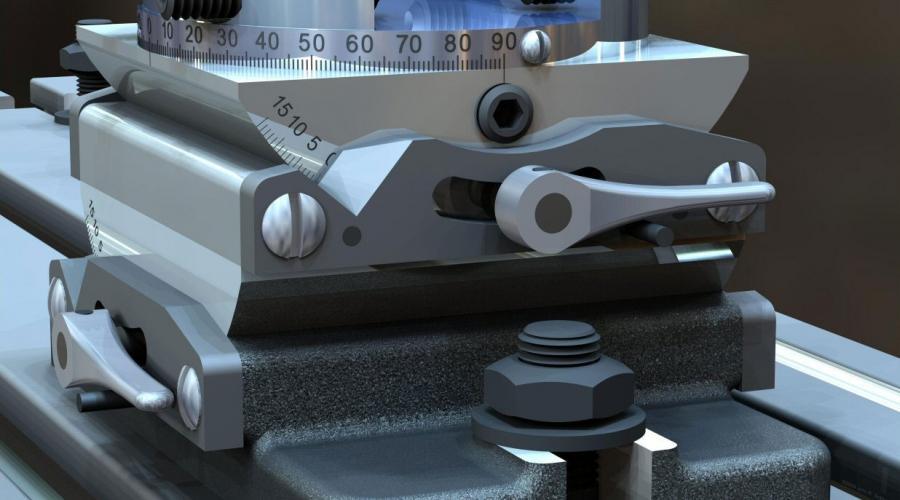
Step up from the basics and embrace the power of TurboCAD® Mac, the professional-grade CAD design solution that delivers unparalleled quality without breaking the bank. Experience the versatility of advanced modeling technology, enhancing the creation of conceptual sketches and complex designs.
In TurboCAD Mac Deluxe
- ACIS® Solid Modeling Kernel
- 2D Dimensional and Geometric Constraints
- KeyShot Rendering Live Linking
- Roofs
- IGES, STEP, SAT
- 64-bit Compatible
- 26 Dimension Types
- 250+ Drafting Tools
Every edition includes a full year of maintenance and support. What changes between them is how far the toolset goes — compare every edition row by row →
Key features
- Copilot RenderTurn a drawing or model into a rendered concept from a plain-language prompt, and compare variations.
- AI-powered Part FinderSearch a library of more than 700,000 mechanical parts by describing the component you need.
- Lightweight XREF loadingReferenced files load from display geometry, cutting memory and file size on large assemblies.
- Attach FolderBring in a whole folder of parts as referenced objects, positioned in place.
- Refreshed interfaceNew SVG tool icons with full light and dark mode graphics across dialogs, menus and palettes.
- New rendering assetsAdditional materials and environments for presentation output.
Full requirements, supported file formats and licence activation details are on the TurboCAD Mac support page.
Related reading
All articles → BlogCopilot Render: Intelligent Rendering for CAD ModelsCopilot Render streamlines the design workflow by transforming CAD models into high-quality conceptual visuals within moments.
 BlogConceptual Visualization from Your CAD Model with Copilot RenderBringing your designs to life is now faster and more intuitive with Copilot Render.BlogHow to Customize and Manage TurboCAD WorkspacesOverview TurboCAD Workspaces provide a structured way to organize commands, toolbars, menus, palettes, and other interface elements based…