

Compare editions
Which DesignCAD is right for you?
Two editions. 2D Express draws; 3D Max draws, models, renders and exports for printing.
Feature by feature
The full comparison
| EditionPerpetual, per seat | 2D Express2D drafting$99.99 | Most capable3D Max2D + 3D$239.99 |
|---|---|---|
| Ribbon | ✓ | ✓ |
| 4K Screen Support | ✓ | ✓ |
| IMPROVED: Performance optimized for 7 x faster redraw speed | ✓ | ✓ |
| Updater | ✓ | ✓ |
| 2D Draw Mode | ✓ | ✓ |
| 3D Draw Mode | — | ✓ |
| Find & Replace | ✓ | ✓ |
| Selection Tool with smart object selection based on direction | ✓ | ✓ |
| Pre-defined Views | — | ✓ |
| Angle Constrainst Settings | — | ✓ |
| Batch File Converter | ✓ | ✓ |
| Calculator | ✓ | ✓ |
| Drawing Compare | — | ✓ |
| Getting Started Guide | ✓ | ✓ |
| Grid - Snap and Display Controls | ✓ | ✓ |
| Insert Manager | ✓ | ✓ |
| Macro Recorder | ✓ | ✓ |
| Online Help | ✓ | ✓ |
| Orthogonal Mode | ✓ | ✓ |
| Password Protection Manager | ✓ | ✓ |
| Reference Manual | ✓ | ✓ |
| Ruler | ✓ | ✓ |
| Tooltips | ✓ | ✓ |
| Support for multiple units of measurement | ✓ | ✓ |
| Working Plane | — | ✓ |
| 2D Primitives | ✓ | ✓ |
| Point on Path Tool | ✓ | ✓ |
| Basic Shapes (Rectangle, Trapezoid, Triangle, Rhombus, Pentagon, Hexagon, Octagon) | ✓ | ✓ |
| Auto Dimension | ✓ | ✓ |
| Blocks | ✓ | ✓ |
| Callouts | ✓ | ✓ |
| Dimensions | ✓ | ✓ |
| Doors and Windows | ✓ | ✓ |
| Groups | ✓ | ✓ |
| Hatching | — | ✓ |
| Layer Management | — | ✓ |
| Measurements | All but Surface Area | ✓ |
| Points | ✓ | ✓ |
| Best Fit line and best fit circle | ✓ | ✓ |
| Line Distance tool | ✓ | ✓ |
| Mesh Repair Tool | ✓ | ✓ |
| Point Setting | ✓ | ✓ |
| Point Control | ✓ | ✓ |
| Snaps | ✓ | ✓ |
| Text | ✓ | ✓ |
| Tick Mark | ✓ | ✓ |
| Symbols | ✓ | ✓ |
| Symbol Libraries | ✓ | ✓ |
| Image | ✓ | ✓ |
| Conversion tools | ✓ | ✓ |
| Line Editing | ✓ | ✓ |
| Section Editing | ✓ | ✓ |
| Selection Editing | ✓ | ✓ |
| Trim and Extend Tools | ✓ | ✓ |
| PDF Underlay | ✓ | ✓ |
| 2D Adobe Illustrator with option to import as Underlay | ✓ | ✓ |
| Hammer tool | — | ✓ |
| Block Editor Mode in Ribbon | ✓ | ✓ |
| Ellipse by Diagonals | ✓ | ✓ |
| Circumscribed Polygon | ✓ | ✓ |
| Diagonal Slot Polygon | ✓ | ✓ |
| 3D Primitives | — | ✓ |
| 3D Architectool Tool | — | ✓ |
| 3D Booleans | — | ✓ |
| 3D Modifications | — | ✓ |
| Anti-aliasing | — | ✓ |
| Display Types | — | ✓ |
| Lights | — | ✓ |
| Light Sources | — | ✓ |
| Materials | — | ✓ |
| Create new Material | — | ✓ |
| Procedural Materials | — | ✓ |
| Reflectance | — | ✓ |
| Texture Mapping | — | ✓ |
| 3D Animations | — | ✓ |
| Walk-throughs | — | ✓ |
| Export to VRML and AVI | — | ✓ |
| 3D Print Check | — | ✓ |
| Leak Test for Surfaces | — | ✓ |
| Watertight Test for Solids | — | ✓ |
| Import* | 6 | 11 |
| Export* | 8 | 13 |
| Updated Teigha (ODA) to 25.7 Version | ✓ | ✓ |
| Add to cart$99.99 | Add to cart$239.99 |
83 rows, taken from the published DesignCAD feature comparison. Prices and licence terms come from the master price list.
File formats
What it opens and saves
✓ import and exportIn import onlyOut export only— not supported
| Format | 2D Express | 3D Max |
|---|---|---|
| DWG - AutoCAD® Native Format | ✓ | ✓ |
| DWF - Autodesk® Drawing Web Format | ✓ | ✓ |
| WMF - Windows® Metafile | In | In |
| HPGL - Hewlett-Packard® Graphics Language | ✓ | ✓ |
| XYZ - Terrain Data | In | In |
| PDF - Adobe® Portable Document Format | ✓ | ✓ |
| AI - Adobe® Illustrator | ✓ | ✓ |
| STL - Stereolithography format | — | ✓ |
| OBJ - OBJ Drawing | — | ✓ |
| SKP - Trimble SketchUp® format | Out | ✓ |
| 3MF - 3D Manufacturing Format | — | ✓ |
| RIB - Renderman Interface Bytestream® | Out | Out |
| VRML - The VRML (Virtual Reality Modeling Language | — | Out |
| WPG - WordPerfect Graphics | Out | Out |
| WMF - Windows® Metafile | Out | Out |
| FBX - Autodesk® Filmbox | — | ✓ |
16 formats, from the published DesignCAD file-format comparison. A format listed as import only can be opened but not written back.
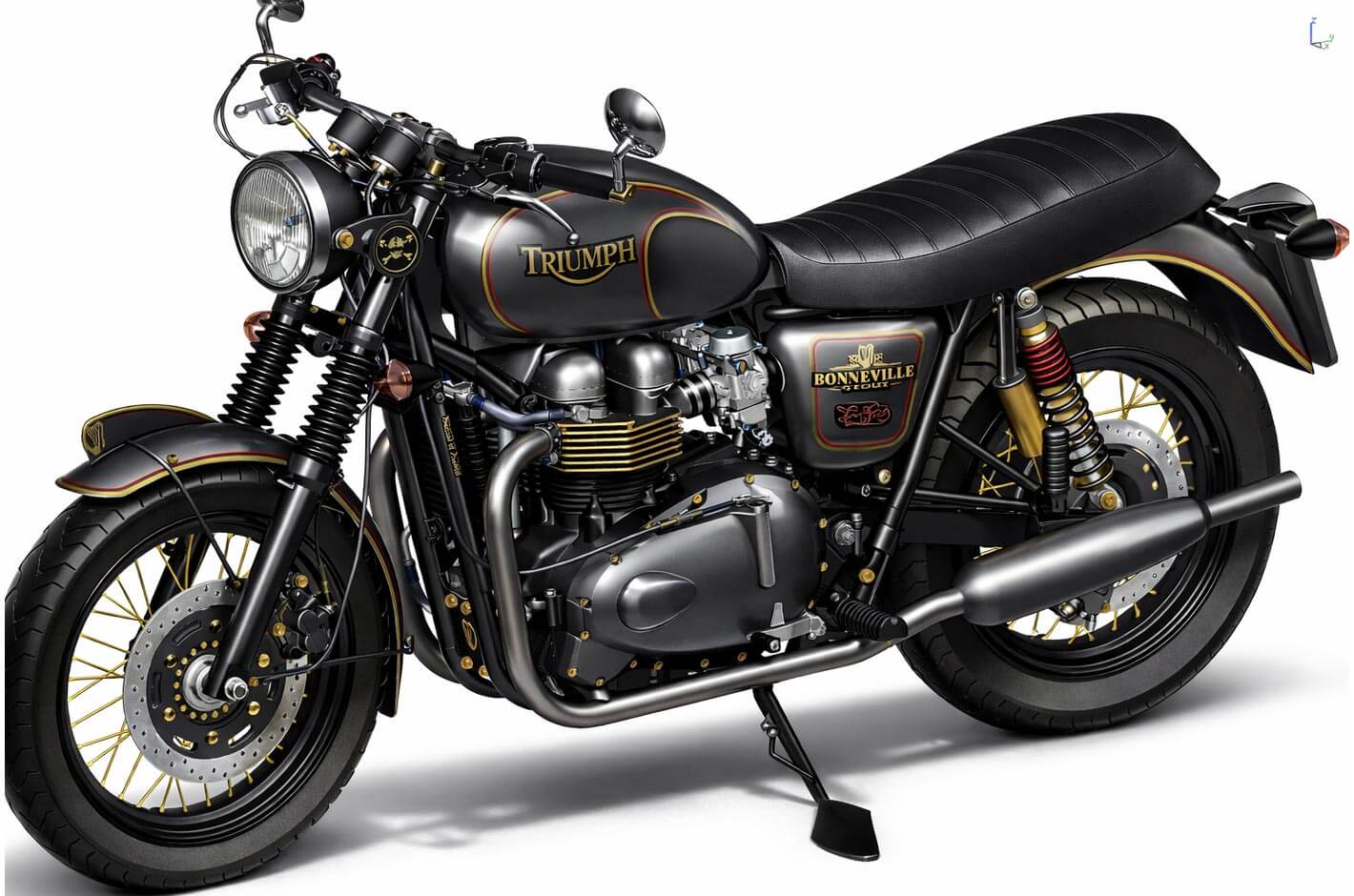
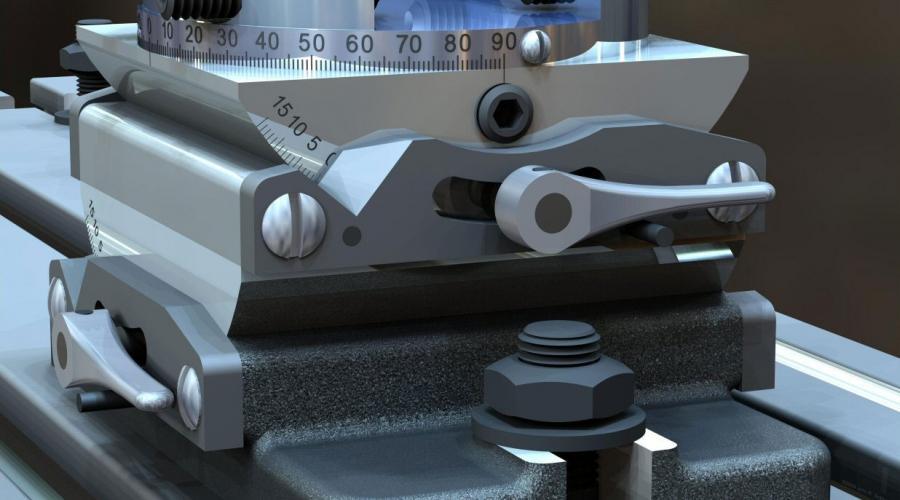
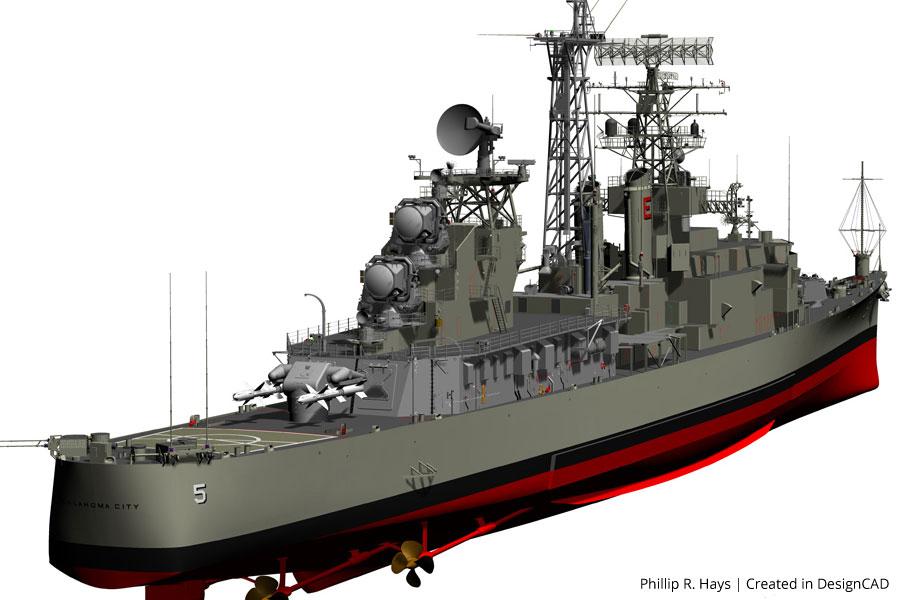
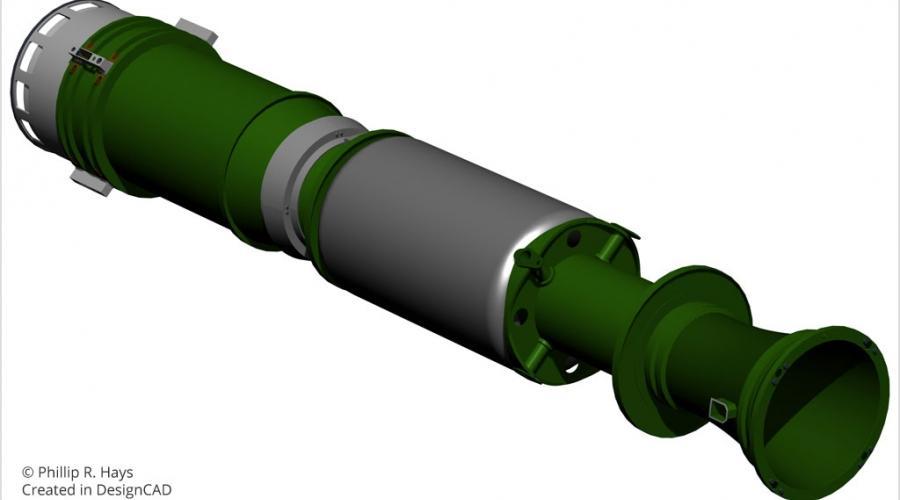
Made with DesignCAD
What owners produce with it
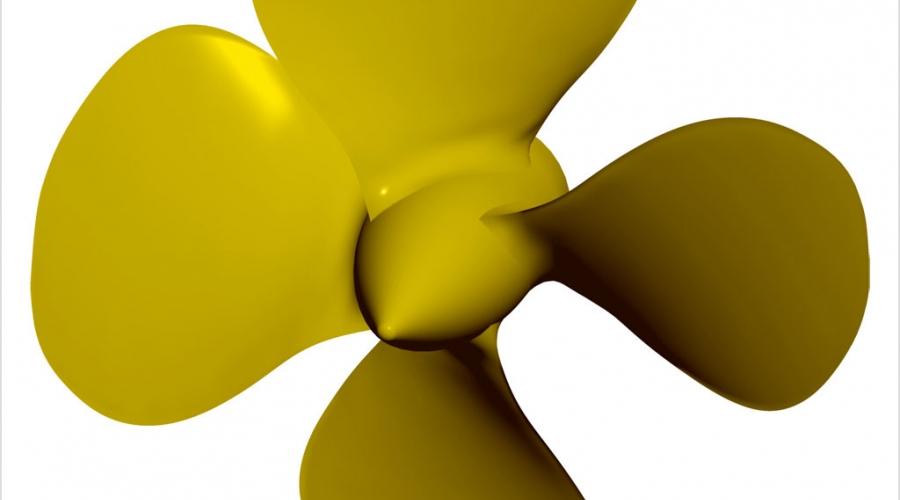
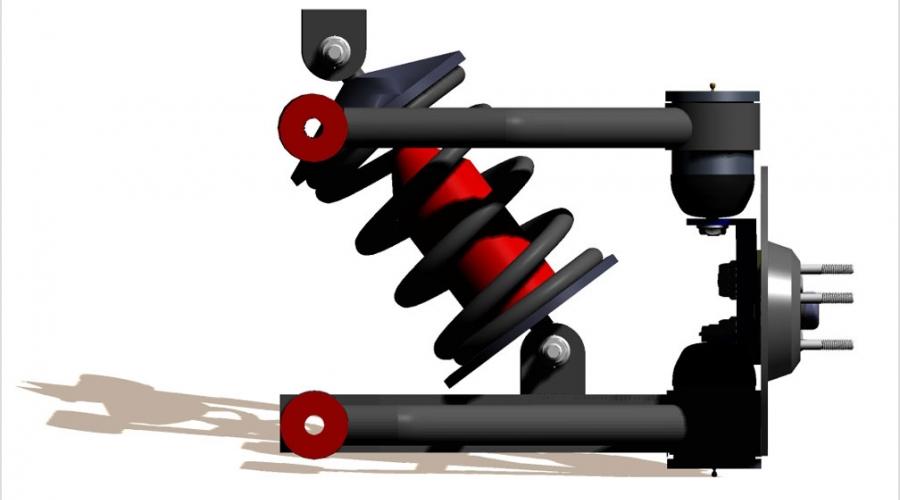
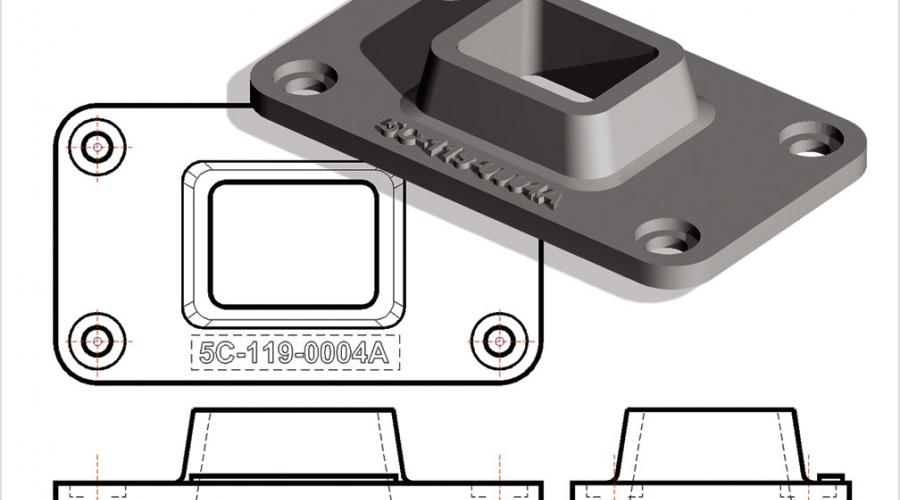
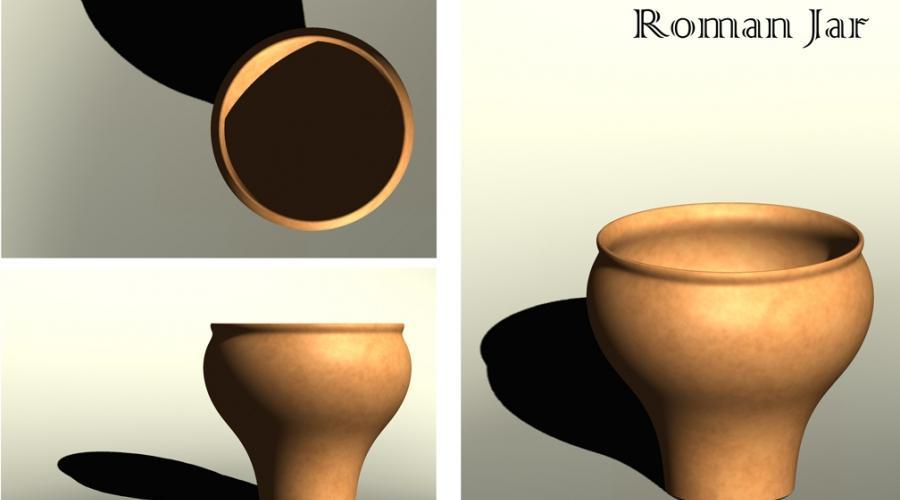

In their words
What owners say
I have used design cad for close to twenty years and it is a simple dependable software. Over the years it has added features and improved its overall performance noticeably in the area of exporting/importing other drawing formats.
The makers of TurboCAD have done a great job making the type of program (CAD) that I was intimidated by very easy to use. It has the power of other programs priced in the high hundreds if not thousands.
Have been using DesignCAD since the DOS versions and it just keeps getting better and more powerful every year. Dollar-for-dollar, it's the best CAD software available anywhere.
Still not sure?
Run the trial of the edition above the one you think you need. If you never touch the extra tools, buy the lower one.
