
Solutions
Mechanical Design & Manufacturing
The work
What the discipline asks of the software
Mechanical designs using CAD may be used to design surfaces and solids in two-dimensional (2D) and three dimensional (3D) spaces to convey the mentioned information. IMSI’s CAD products will assist you in making the right creations, modifications, and optimizations to your mechanical designs. They will enable you to accurately draw your designs and ensure project specifications are met, whether you are a hobbyist or DIYer, or a mechanical engineering professional.
Capabilities
The tools this work needs
Solid modelling
- ACIS ®Platinum onlyLatest ACIS ® modeling kernel for precision and compatibility.
- Solid Modeling ToolsPlatinum onlyACIS ® Solid Modeling, Stretch Entity, Extract Entity, Push/Pull Tool, Twisted Extrude.
- Modeling EnginePlatinum onlyBooleans, blends, shelling, cutting plane support in Visualize render mode.
- Part Tree/History TreePlatinum onlyHierarchical representation of the model's construction history.
- Associative ModelingPlatinum onlyAssociative intersections, associative sections, surface on face with offset option.
- Advanced 3D EditingPlatinum onlyFacet Editor (Copy/Delete Faces, Multi-Window support), Defeature Part tool, ability to bypass material assignments to faces.
- Imprint ToolsPlatinum onlyImprint & block insertion as a 2D Contour.
- Law ToolsPlatinum onlyCurve from Law, Surface with Laws, Offset with Law, Warp Entity by Law.
- Precision ToolsPlatinum onlyCustom hole tool, graphic on path accuracy improvements, surface tolerance settings.
Parts and patterns
- AI-powered Part Creator / Part EditorPlatinum onlyDesign, customize, and edit parts with precision, while offering configurable STEP file settings to ensure accurate surface results in the drawing environment.
- Associative Arrays and Pattern ToolsPro and upCreate dynamic, repeatable object patterns.
- 3D Patterns from Compound ProfilesPlatinum onlyGenerate patterns from complex 3D profiles.
- Hole Tool - Custom HolesPlatinum onlyCreate custom holes with precise parameters.
- Slot ToolsDeluxe and upCreates slots and grooves for mechanical designs.
- Sheet Metal DesignPlatinum onlyDesign sheet metal parts (flanges, bends, unbends).
Drawings and detailing
- Associative Intersections/SectionsPlatinum onlyCreate intersections and sections that update with design changes.
- Smart Dimension ToolsEvery editionProvides automated and associative dimensioning features.
- Advanced Drawing Tools (Gear, Surface Tolerance, Text along Curve)Platinum onlySpecialized tools for precision engineering and mechanical design.
- Drafting Palette Object Management (Add/Remove Object Tool)Pro and upModifies parts and assemblies by either selecting tree elements first (auto-selects all related 3D objects) or selecting drawing objects first (auto-finds related tree elements), then adding or removing 3D objects.
- Auto Numbering FeatureEvery editionAutomatically assigns sequential numbering to objects.
Exchanging models
- STEP ImportPro: ODA Step Import · Platinum: High-precision STEP ACIS STEP provides machining‑grade precision beyond faceting, ideal for CNC and engineering workflows. ODA STEP delivers efficient faceted geometry suited to visualization, 3D printing, and rendering.
- IGES ImportPro: ODA IGES Import · Platinum: High-precision IGES TurboCAD Professional now includes a new ODA‑based IGES importer, while Platinum continues to offer the high‑precision ACIS‑powered IGES translator.
- Spatial ACIS ®Pro and up3D modeling kernel for precise solid modeling and geometry manipulation.
- AutoCAD ® (DWG/DXF) File CompatibilityDeluxe and upSupport for AutoCAD ® files (DWG/DXF).
- Adobe ® 3D PDF ExportPlatinum onlyExport 3D models to Adobe ® 3D PDF.
- File Converter with Batch Conversion capabilityPlatinum onlyThe File Converter with batch-conversion capability lets you process many files at once and convert them into key formats such as DWG, DXF, TCW, PDF, STL, STEP, IGES, OBJ, and SolidWorks.
In DesignCAD 3D Max
- 3D Primitives3D Max onlyCreate basic 3D shapes to build complex models. Essential for constructing 3D designs.
- 3D Booleans3D Max onlyPerform boolean operations on 3D objects. Useful for combining or subtracting shapes to form new geometries.
- 3D Modifications3D Max onlyModify 3D objects by slicing, exploding, or defining solids. Helps in adjusting and refining 3D models.
- Working Plane3D Max onlyAllows setting and resetting working plane properties. Useful for managing design orientation and perspective.
- Drawing Compare3D Max onlyCompares two drawings to highlight differences. Useful for quality control and ensuring design consistency.
- 3D Print Check3D Max onlyChecks 3D models to ensure they are suitable for printing. Identifies potential issues that may affect the printing process. Essential for successful 3D printing.
Availability is from the published edition comparison for TurboCAD 2026 for Windows and DesignCAD 2025. Compare TurboCAD editions · Compare DesignCAD editions
What to use
Recommended editions
DesignCAD 3D Max
The capable starting point.
- Non-ACIS Solid Modeling
- Assembly Tools
- 3D Booleans
- 3D Surface Primitives and Polylines
- Sweep, Revolve
- STL Support for 3D Printing
TurboCAD Deluxe
Where most people doing this work land.
- Assembly Tools
- 3D Booleans
- 3D Surface Primitives and Polylines
- Sweep, Revolve
- STL Support for 3D Printing
- Extrude
TurboCAD Platinum
The full toolset, for production work.
- ACIS® Solid Modeling
- Assembly Tools
- 3D Booleans
- 3D Surface Primitives and Polylines
- Sweep, Revolve
- STL Support for 3D Printing
Made with it
This work, drawn by customers
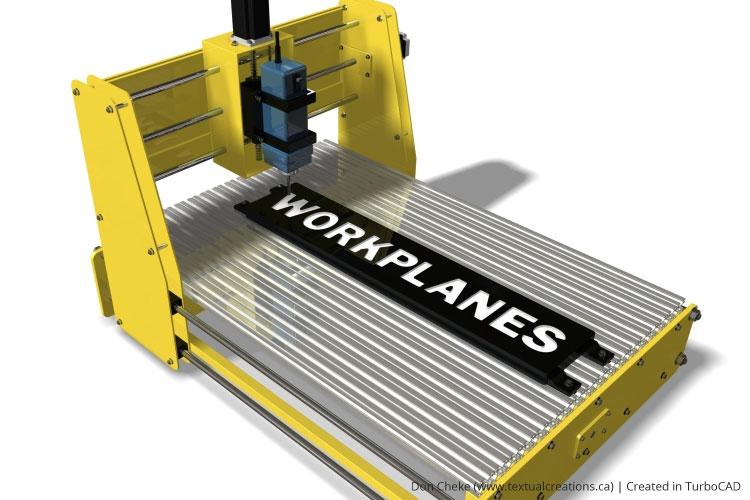
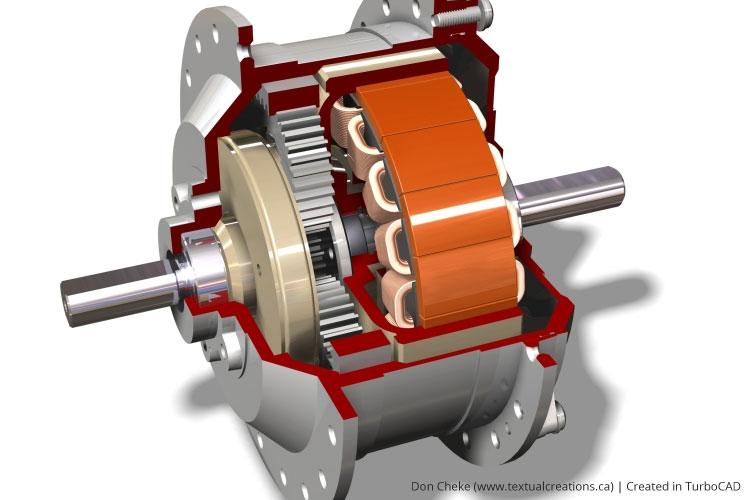
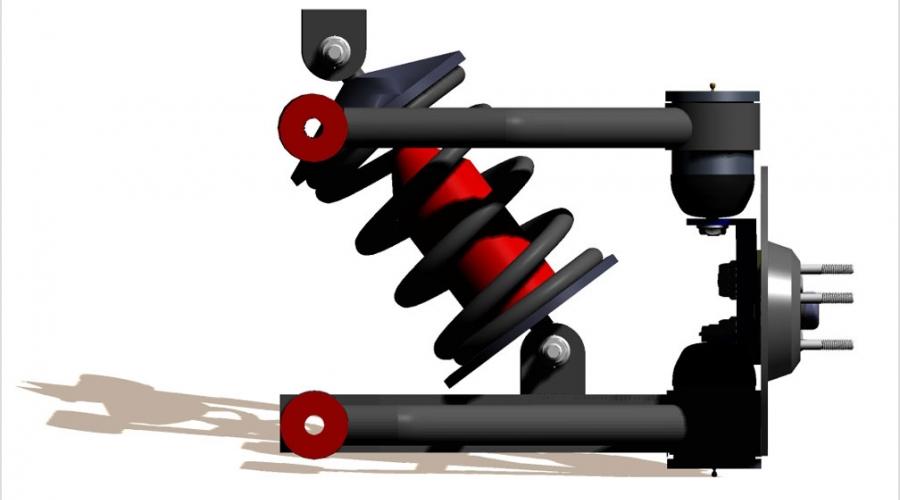
TurboCAD Helps Electronic Engineering Consultant Expand into Mechanical CAD
Jeff Lindstrom was originally an Electronic Engineering Consultant for small aerospace companies in Southern California, and founded Arvak Technologies in order to pursue business opportunities in the Mechanical Engineering field.
Price-wise, TurboCAD is much more attractive than other engineering 3D software. It can do all the things that AutoCAD and Solidworks could do, but at a far more friendly price.
TurboCAD's photorealistic rendering capabilities enhance presentations by providing eye-catching visuals for our proposals.
Related reading
All articles →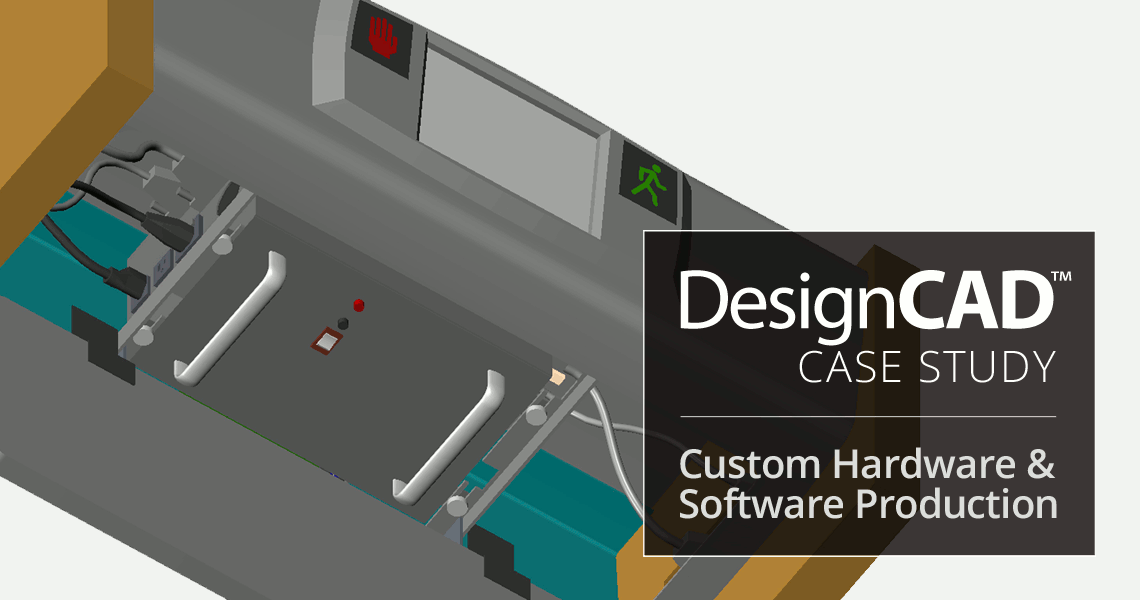 Case StudiesUse of DesignCAD in Custom Hardware & Software ProductionAlpha Omega Computer Systems, Inc. is a provider of custom hardware and software solutions for everything from oceanography, to satellite…
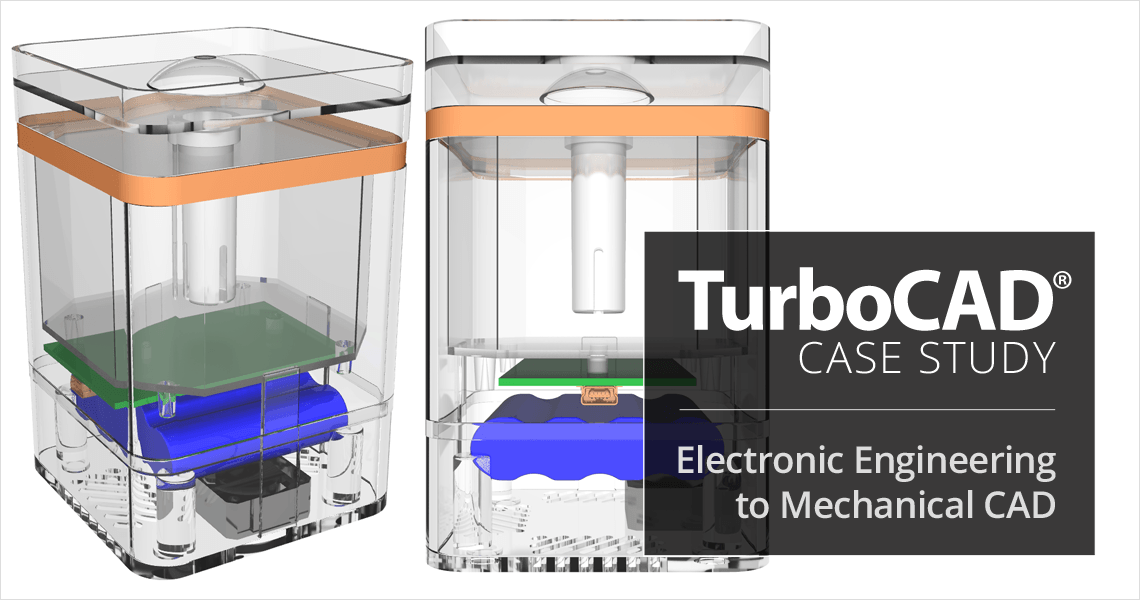 Case StudiesTurboCAD Helps Electronic Engineering Consultant Expand into Mechanical CADJeff Lindstrom, CEO of Arvak Technologies, was originally an Electronic Engineering Consultant for small aerospace companies in Southern…
 Press ReleasesIMSI Design Releases TurboCAD® Mac 17NOVATO, Calif. June 8, 2026 – IMSI® Design announced today the release of TurboCAD® Mac® 17, available in four editions: Designer, Deluxe…