

TurboCAD 2026 · Release 31
The full-range CAD workhorse.
Choose an edition
Four editions, one file format
Designer
One user, two computers — a desktop and a laptop. Not a shared team seat.
- Full 2D drafting & dimensioning
- DWG / DXF read & write
- Layers, blocks, symbol libraries
Deluxe
One user, two computers — a desktop and a laptop. Not a shared team seat.
- Everything in Designer
- 3D modeling & photorealistic render
- Architectural walls, doors, windows
Professional
One user, two computers — a desktop and a laptop. Not a shared team seat.
- Everything in Deluxe
- ACIS solid & surface modeling
- Part tree & history editing
Platinum
One user, two computers — a desktop and a laptop. Not a shared team seat.
- Everything in Professional
- 2D geometric & dimensional constraints
- Sheet-metal unfolding, GIS, Copilot Render
Designer
One user, two computers — a desktop and a laptop. Not a shared team seat.
- Full 2D drafting & dimensioning
- 64-bit Compatible
- 26 Dimension Types
- 250+ Drafting Tools
Deluxe
One user, two computers — a desktop and a laptop. Not a shared team seat.
- Everything in Designer
- Delete Duplicates Supports Polygons
- Make 3D
- Roofs
Professional
One user, two computers — a desktop and a laptop. Not a shared team seat.
- Everything in Deluxe
- GD&T
- Markup and Redline
- Part Creator (AI-Powered)
Platinum
One user, two computers — a desktop and a laptop. Not a shared team seat.
- Everything in Professional
- Auto 3D to 2D (Precise)
- File Referencing
- Navigator
Already own a TurboCAD licence? An upgrade to 2026 is priced from how far back your licence goes — Platinum 2025 to Platinum 2026 is $499.99 rather than $1,499.99. Check your upgrade price →
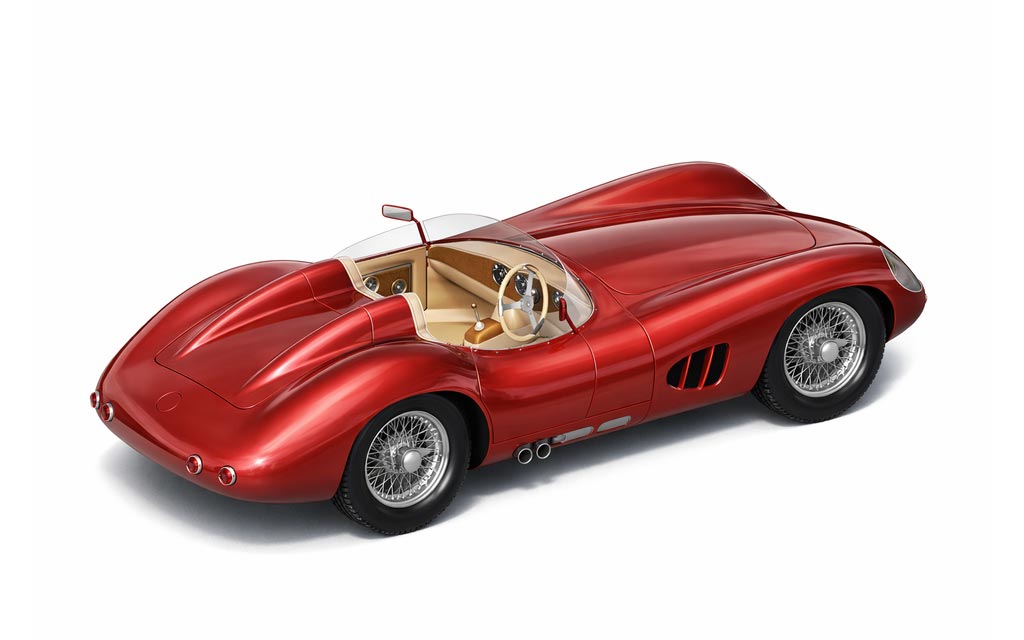
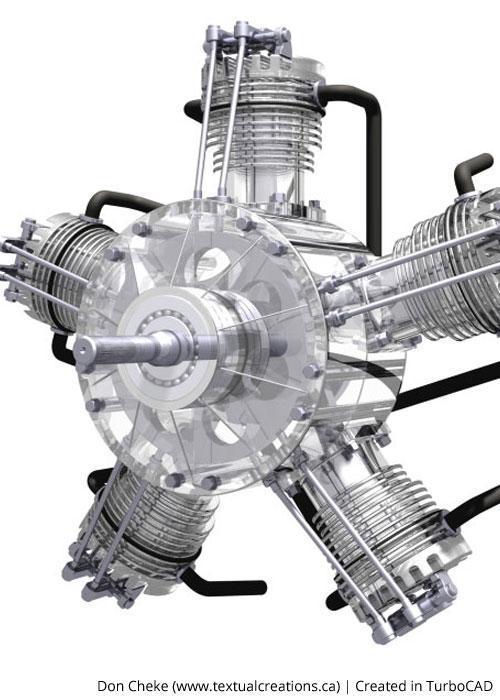
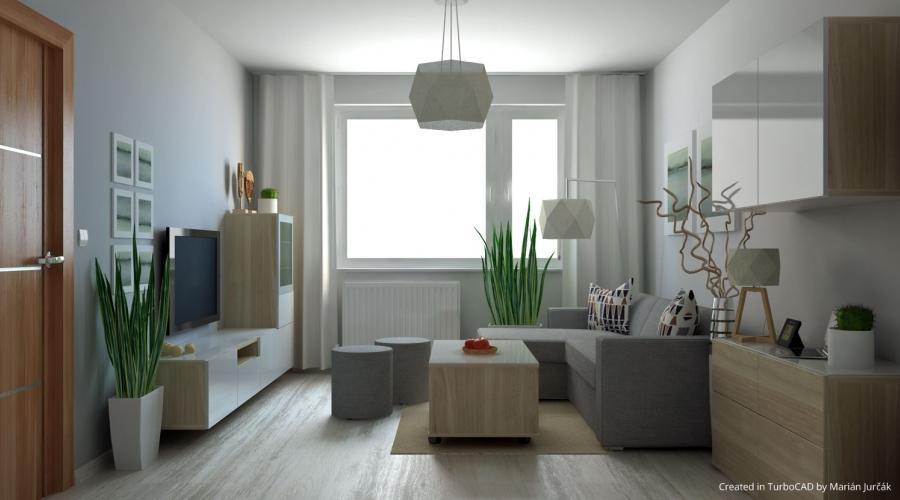
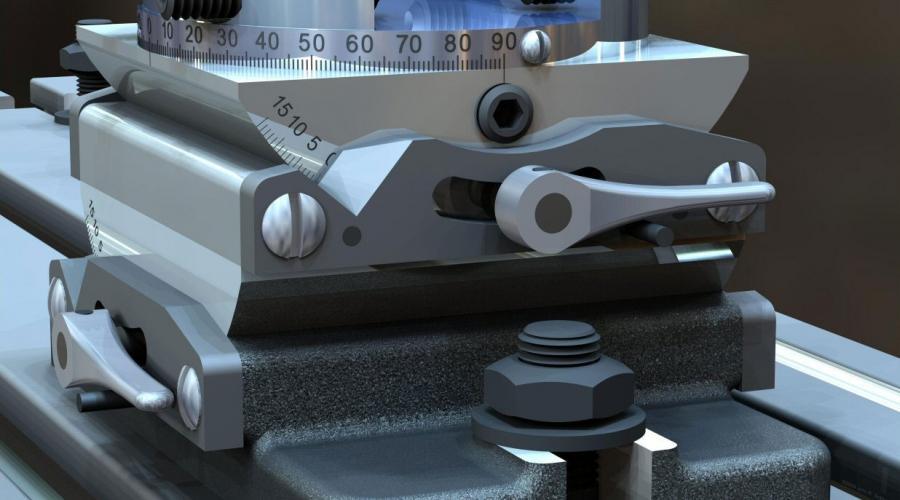
Made with TurboCAD
Drawn, modelled and rendered by customers.





New in 2026
What changed since 2025
Copilot Render
Direct 2D unfolding for sheet metal
Graphic on Path
Dynamic drafting palette
A faster way to find what you need
Unified multi-language installer
What it does
Key features
The interface, and how it performs
TurboCAD® users can quickly navigate the fully customizable user interface with Ribbon and Toolbar modes Workspace-focused layouts reduce setup overhead. TurboCAD® Platinum and Professional also feature an AutoCAD® -like design interface. The ePackage feature in TurboCAD® Platinum simplifies collecting and assembling all external resources for distribution.
TurboCAD Copilot
Unlock the full potential of your design process with Copilot, the AI-driven companion seamlessly integrated into TurboCAD®. This integrated AI tool streamlines navigation, expedites your project's progress, and enhances your design endeavors with insightful analysis. Copilot supports two levels: TurboCAD® Copilot Help and TurboCAD® Copilot Professional.
Design Director
The Design Director makes it easy to organize, explore and apply design alternatives. The Design Director palette with advanced controls for layers, layer filters, layer grouping, setting and saving work layers, managing named views and more speeds up work and improves productivity.
2D Design and Editing
TurboCAD® is rich in professional 2D/3D design tools and drawing aids that speed design. Create views and viewports of any size and shape. Access extensive paper space and printing options. Multi-select drawing tool, dimension tools, and more.
3D Drawing and Surface Modeling
TurboCAD® includes a comprehensive set of 3D surface modeling and editing tools, ideal for both single part and small assembly mechanical designs.
ACIS solid modelling
TurboCAD® offers advanced 3D surface and ACIS® Solid Modeling tools. Features like the Thread Tool, Twisted Extrude, Extrude to Face, Imprint Tool, Parametric Holes, and more, enable the easy creation of complex professional designs. Access advanced modification tools such as Bend, Unbend, and Facet Offset to easily modify existing geometry.
Architecture & GIS
TurboCAD® includes an integrated suite of architectural tools, featuring Self-Healing Walls, Self-Trimming & Self-Aligning Blocks, and depending on the variant, includes Windows, Doors, Muntins, Roofs, Slabs, Stairs, Rails, Markers, Terrain Tools, and AutoCAD® Architecture (ACA) compatible Parametric Architectural Objects, allowing for easy reading, modifying, and documenting of DWG models with ACA extensions.
Photorealistic rendering
TurboLux™ is TurboCAD's advanced rendering engine that leverages Physically Based Rendering (PBR) techniques to produce photorealistic images. By modeling light and materials based on the laws of physics, TurboLux™ accurately simulates the flow of light, resulting in stunning, high-quality renders.
Geometric and dimensional constraints
Often referred to as variational sketching, the D-Cubed™ 2D DCM Constraint Manager from Siemens Industry Software Limited enhances precision and productivity. By setting up constraints, TurboCAD® users gain greater control over design intent, enabling rapid design modifications.
Part tree and history
Maintains your design history, allowing you to return to any procedural step and make modifications without losing subsequent work. Functions like a Selective Undo/Redo. Part Tree/History Tree
The drafting palette
Create associative views, 2D sections, and detailed views that can be updated in real-time – even from an Xref. Works with both ACIS® Solids and Surface models. Drafting Palette
Native CAD translators
Import 3D model designs from leading enterprise CAD software, including CATIA, SolidWorks, Solid Edge, Inventor, NX, and ProE.
External References (Xrefs)
TurboCAD® allows all file formats that can be opened and imported (except bitmap images) to be used as an external reference (Xref). TurboCAD® offers Xref clipping for numerous file formats and supports binding of Xrefs, which can then be exploded and edited. Managing Xref layers is straightforward, including the use of layer filters.
Programmable: SDK and Ruby
Extend the functionality by developing new tools, functions, and behavior. Custom routines that are performed on a regular basis can be automated. Specific tools for vertical applications can be created and added.
Point Cloud Support
Use your 3D scanner to collect data about an existing object’s dimensions, and import the point cloud files into a drawing in TurboCAD.
Compatibility and File Sharing
Whether you’re a team of one or many, you’ll have the interoperability needed to collaborate. We’ve ensured that TurboCAD® is compatible with a wide variety of popular CAD and Graphics formats. You will be able to deliver files that can be opened and edited by users of AutoCAD® and other popular design software. Your team will be running like a well-oiled machine.
16 capabilities, as published. Which of them you get depends on the edition — the full comparison has it row by row.
Release notes
What changed, feature by feature
Users now have the ability to fully customize the Ribbon Interface
Users now have the ability to fully customize the Ribbon Interface. You can now Add and Rename Tools, Groups and Tabs. In addition, Tabs may be hidden or renamed, and manually created XML Config files can be directly imported into TurboCAD. UI Themes are also fully supported in the Ribbon.
Conceptual selector is now available in Visualize Wireframe
The Conceptual selector is now available in Visualize Wireframe, Hidden Line and Draft and works for all types of Visualize devices: GDI, OpenGL, OpenGLES2. The conceptual selector in Visualize supports all features available in RedSDK. In contrast to the classic mode, the Conceptual Selector uses a full-blown 3D…
Sun dir by geo-location
A new property “Sun dir by geo-location” has been added to the “Sun” and “Sky2” shaders for TurboCAD 2024. If the option is on, drawing geolocation data will be used to calculate direction. If the option is off, the parameter ‘Dir’ (direction vector) will be used to calculate the direction.
Ground Shadow
A new shader 'Ground Shadow' has been added to Visualize Environment in the Render Manager for TurboCAD 2024. The ground shadow effect allows users to simulate shadows under graphical objects in a scene without needing to manually add and set up lights, a ground plane, materials, and other objects.
Set Default
Reset All button performs the same function of 'Set Default' but for all fonts. This option is available in: Customize > Style and Themes > Reset All
Confirm Replace
A new checkbox added like "Don't show this message again" in the dialogue "Confirm Replace". If the user ticks the checkbox the program will remember the last selected option and will not be shown the dialogue again. This dialogue can be enabled again through Warning Dialogues in the Options menu.
New functionality has been added where users now have the option
New functionality has been added where users now have the option of associating Layer Sets with Named Views, giving users a much better way to manage Layers Sets. There is a new functionality where you have the option of associating set of layers (Layer Sets) with Named Views. In addition to giving users a much better…
PDF underlay to Objects
The PDF Underlay tool allows you to insert a page of a PDF file into your drawing to use as a reference or tracing layer. To use properly as a tracing layer, the file must be a vector PDF, rather than a bit-mapped PDF. As a vector file, you will be able to snap to the endpoints and midpoints of lines in the PDF…
Closed
A property called ‘Closed’ has been added to the Selection Info palette, with this property, users can determine if a Polyline is closed or not. This is extremely important when performing functions such as Extrudes and Lofts.
Users now have the ability to fully customize the Ribbon Interface
Users now have the ability to fully customize the Ribbon Interface. You can now Add and Rename Tools, Groups and Tabs. In addition, Tabs may be hidden or renamed, and manually created XML Config files can be directly imported into TurboCAD. UI Themes are also fully supported in the Ribbon.
Unlock the full potential of your design process with Copilot
Unlock the full potential of your design process with Copilot, the AI-driven companion seamlessly integrated into TurboCAD® Mac. This integrated AI tool streamlines navigation, expedites your project's progress, and enhances your design endeavors with insightful analysis. Copilot supports two levels: TurboCAD® Mac…
TurboCAD® Mac has taken a significant step forward by integrating
TurboCAD® Mac has taken a significant step forward by integrating its tool help content directly within TurboCAD® Mac Copilot . This integration means that users have immediate access to a wealth of information, including text descriptions, visual aids through images, and, for some topics, even video links. This…
Enhance your TurboCAD® Mac designs with the ANSI Fastener Library
Enhance your TurboCAD® Mac designs with the ANSI Fastener Library, a comprehensive collection of nuts, bolts, and washers. Now easily accessible within the Symbol tab in the Concept Explorer , this library simplifies the insertion of fastening components into your projects.
TurboCAD® Mac now offers the flexibility to revert the ACIS blend
TurboCAD® Mac now offers the flexibility to revert the ACIS blend version to a previous setting, providing an alternative solution when the default blend doesn’t meet your needs. This updated feature ensures that you have more control over your design process, allowing for precision and customization in your blending…
Elevate your design process with the versatile Symbol Manager
Elevate your design process with the versatile Symbol Manager in TurboCAD® Mac’s Concept Explorer. Now featuring three distinct preview size options, you can customize how you view and select symbols with ease.
Discover the power of precision with TurboCAD® Mac’s new feature
Discover the power of precision with TurboCAD® Mac’s new feature, Select Faces Same Plane . This tool streamlines your modeling process by intelligently selecting all faces of a solid that reside on the same plane, ensuring uniformity and accuracy in your designs.
Elevate your design precision with TurboCAD® Mac’s Verify Clearance
Elevate your design precision with TurboCAD® Mac’s Verify Clearance feature. This innovative tool now includes the capability to accurately calculate the spatial clearance between two solids, ensuring your components fit together perfectly.
Enhance your understanding of TurboCAD® Mac’s Geometric Dimension
Enhance your understanding of TurboCAD® Mac’s Geometric Dimension and Tolerance (GD&T) capabilities with our newly added example file. This resource showcases the diverse functionalities of the GD&T tool, providing a hands-on learning experience. Whether you’re a seasoned professional or new to GD&T principles, this…
127 capabilities are compared across the four editions. Designer carries 30 of them; Platinum carries 127. See the full comparison →
167 capabilities are compared across the four editions. Designer carries 56 of them; Platinum carries 167. See the full comparison →
Every way to buy it
Editions and licence options
| Edition | Buy outright | 1 year | 3 years | Enterprise / yr | Floating | Academic / yr |
|---|---|---|---|---|---|---|
| Platinum | $1,499.99 | $599.99 | $1,799.99 | $1,199.99 | $2,249.99 | $300.00 |
| Pro | $999.99 | $399.99 | $1,199.99 | $799.99 | $1,499.99 | $200.00 |
| Deluxe | $399.99 | $199.99 | $599.99 | $399.99 | $599.99 | $100.00 |
| Designer | $199.99 | $99.99 | $299.99 | $199.99 | $299.99 | $50.00 |
30 upgrade paths from earlier versions are priced separately — price your upgrade.
| Edition | Buy outright | 1 year | 3 years | Floating | Academic / yr |
|---|---|---|---|---|---|
| Platinum | $1,499.99 | $599.99 | $1,799.99 | $2,249.99 | $300.00 |
| Pro | $999.99 | $399.99 | $1,199.99 | $1,499.99 | $200.00 |
| Deluxe | $399.99 | $199.99 | $599.99 | $599.99 | $100.00 |
| Designer | $199.99 | $99.99 | $299.99 | $299.99 | $50.00 |
28 upgrade paths from earlier versions are priced separately — price your upgrade.
Buying TurboCAD for a team?
License the company, not the individual. An enterprise licence puts every seat on one agreement that belongs to the business, with the help to roll it out and keep track of it.
Everything an enterprise licence includes →Seats that stay with the company
When someone leaves, their seat passes to whoever replaces them. A retail licence is personal and tied to one machine; an enterprise seat belongs to the business.
A dedicated account manager
One named contact at IMSI Design who knows your seats, editions and renewal dates, instead of a general sales queue.
Installation and deployment help
We work with your IT team on the rollout: packaging the installer, imaged machines and activating every seat, so it is one job rather than one per desk.
Licence management
Every seat on one register: who has it, which edition, which machine and when it renews. Moving a seat is a request to your account manager, not a new purchase.
Upgrade Center
Coming from an older TurboCAD? You do not pay full price.
| FROM | TO PLATINUM 2026 |
|---|---|
| Platinum 2025 | $499.99 |
| Platinum, older than 5 years | $699.99 |
| Professional, any recent version | $899.99 |
| Deluxe, any recent version | $1,299.99 |
Made with TurboCAD
From the User Gallery
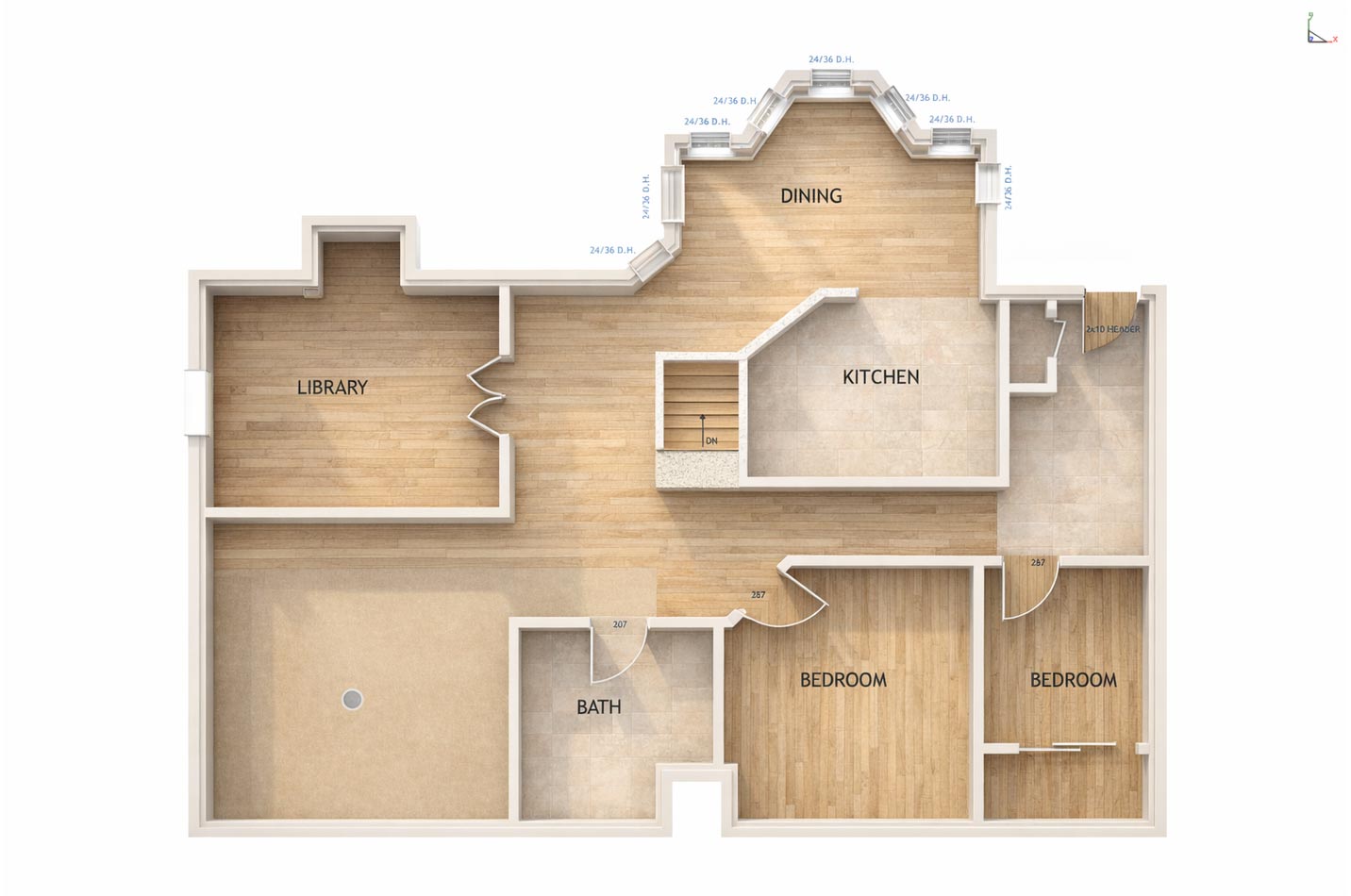 ArchitectureInterior rendered from the plan
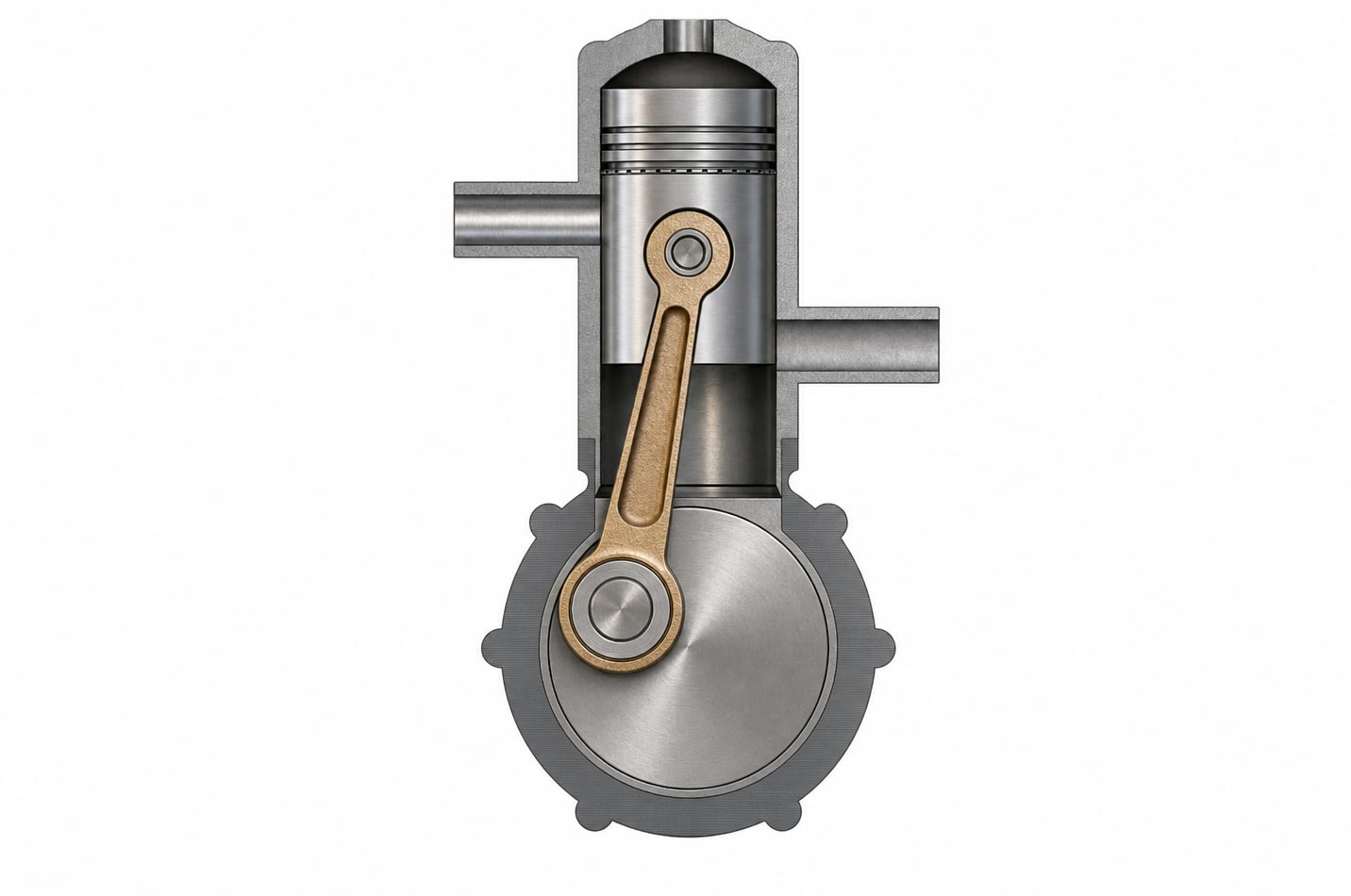 MechanicalConstraint-driven engine assembly
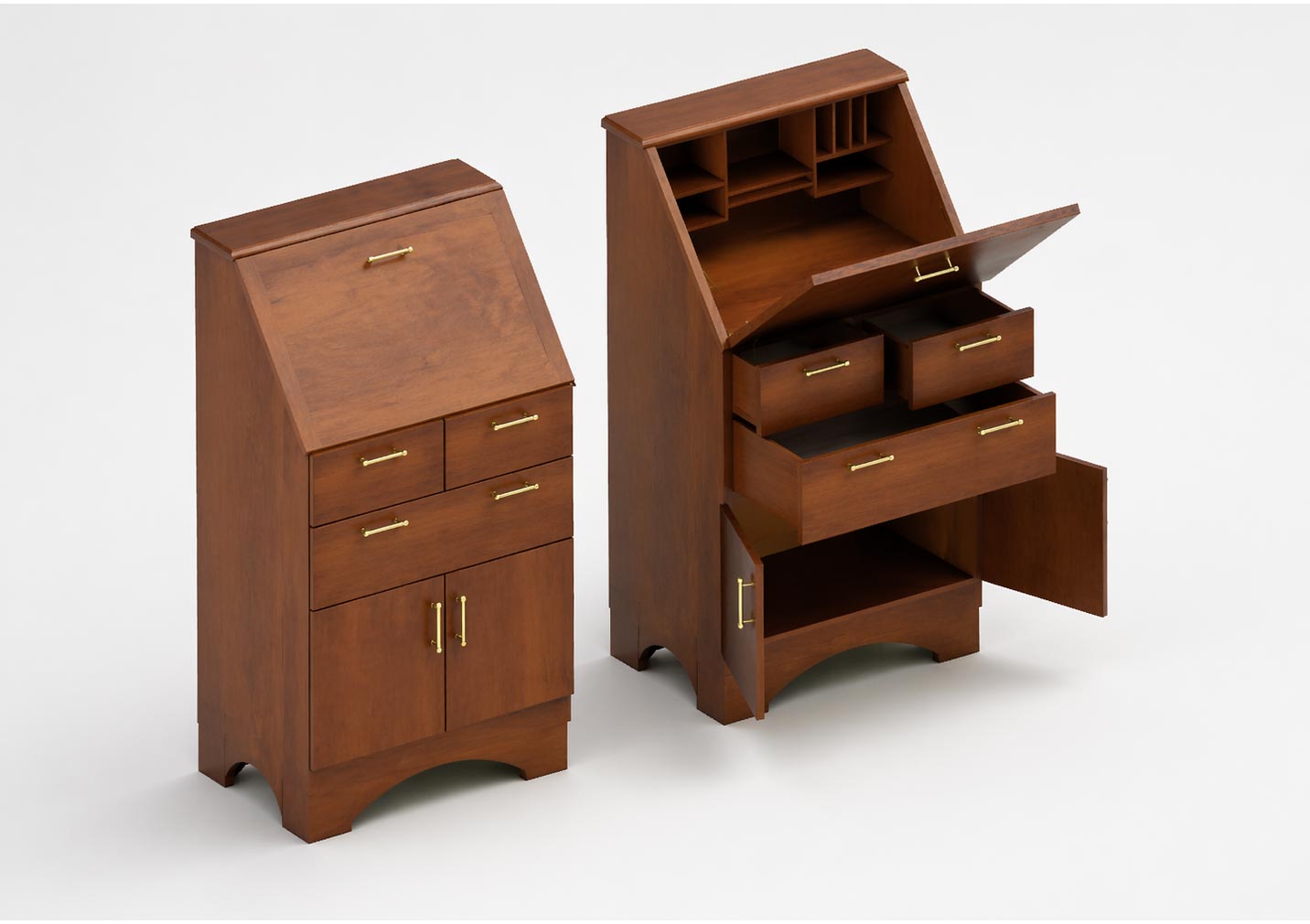 WoodworkingFurniture modelled and rendered
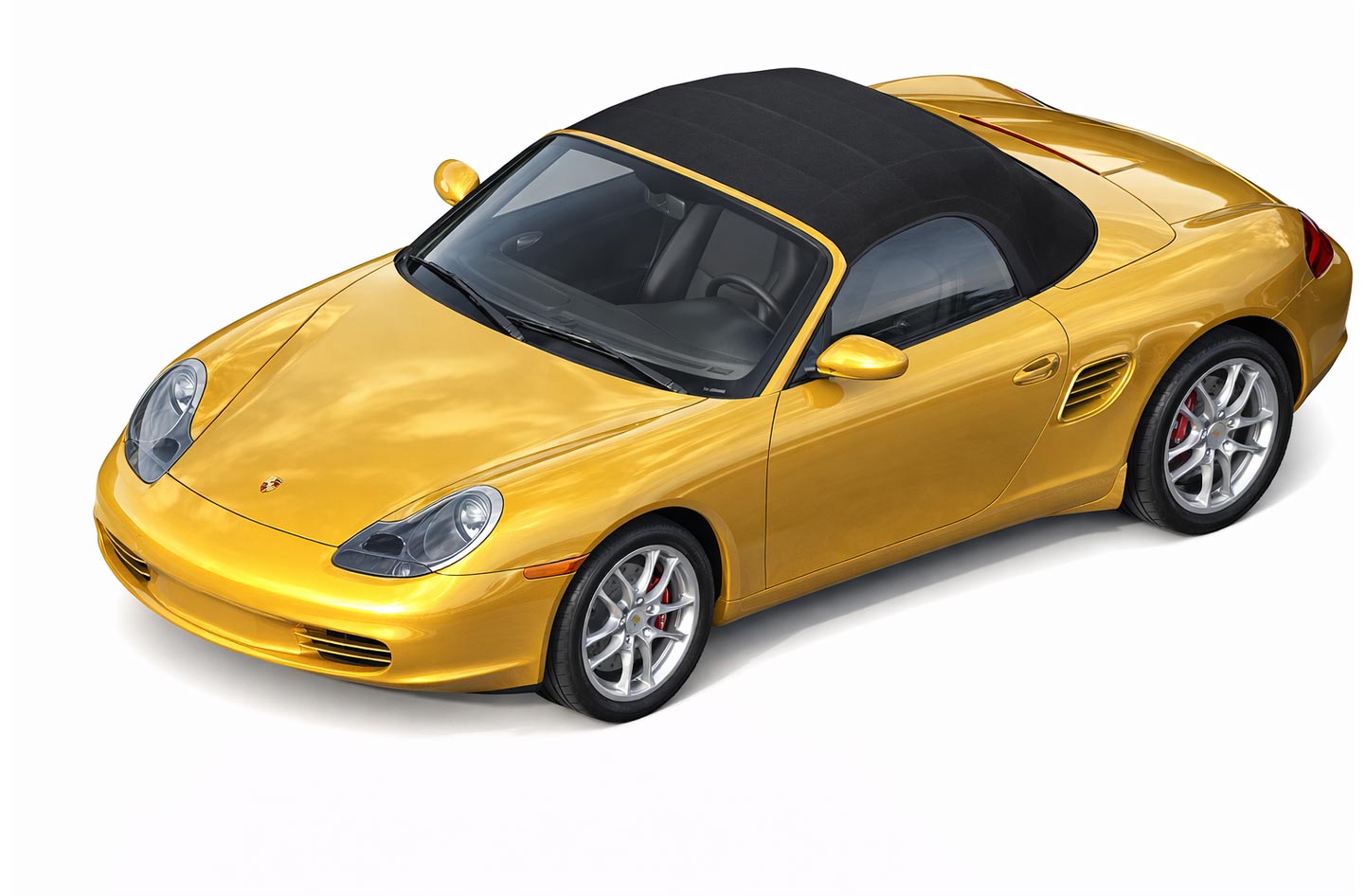 Product designSurface model taken to photoreal
System requirements · TurboCAD 2026 for Mac
- Operating System ¹ Program compatibility is not guaranteed for earlier operating systems (pre-macOS 11.0) or future unreleased macOS versions.
- Optimal Performance 16 GB RAM and SSD disk for improved handling of large files.
- Internet ² User responsible for all associated ISP fees and charges.
Still deciding between two editions?
Related reading
All articles → BlogCopilot Render: Intelligent Rendering for CAD ModelsCopilot Render streamlines the design workflow by transforming CAD models into high-quality conceptual visuals within moments.
 BlogConceptual Visualization from Your CAD Model with Copilot RenderBringing your designs to life is now faster and more intuitive with Copilot Render.BlogHow to Customize and Manage TurboCAD WorkspacesOverview TurboCAD Workspaces provide a structured way to organize commands, toolbars, menus, palettes, and other interface elements based…